

Notes
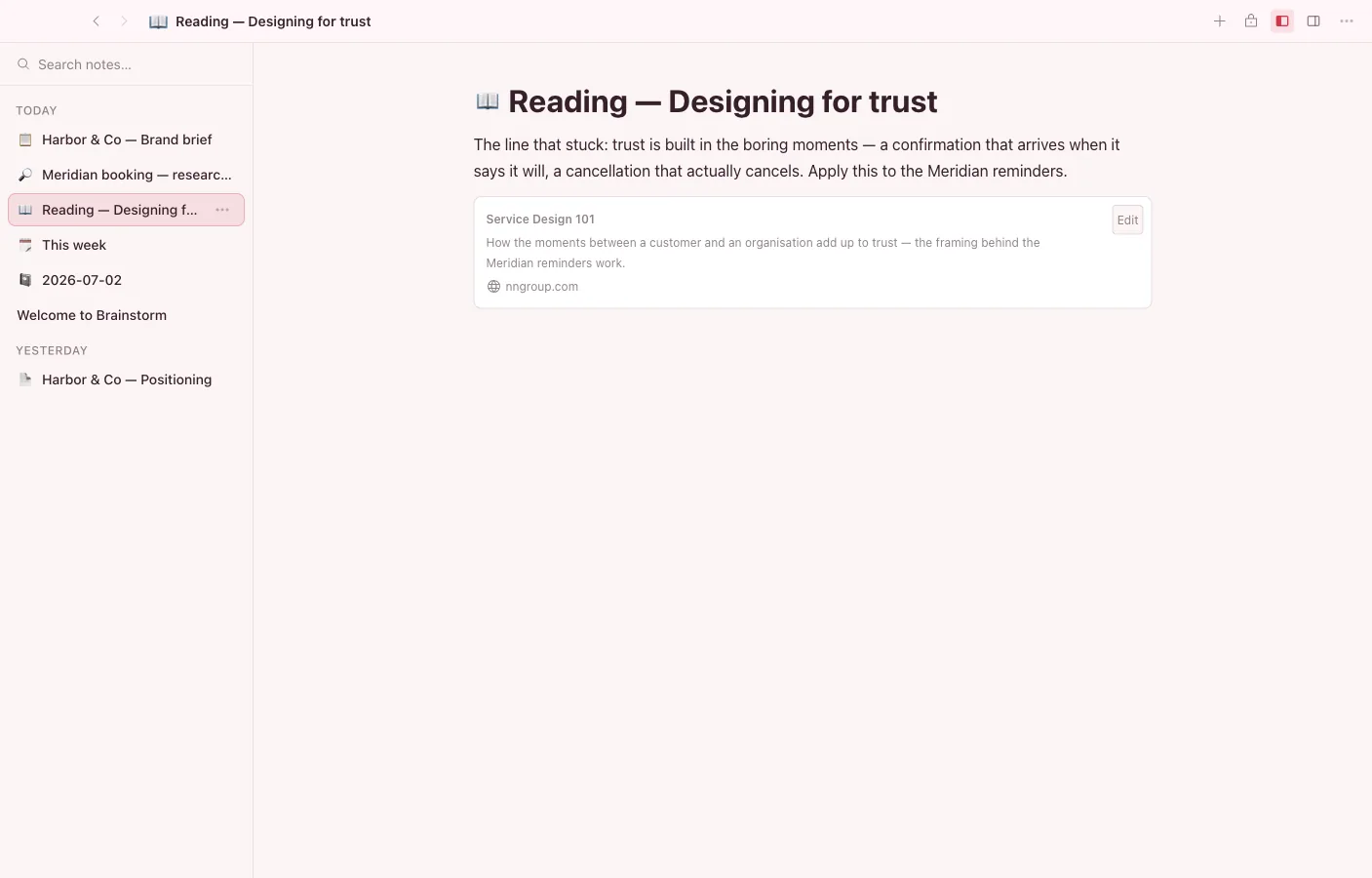
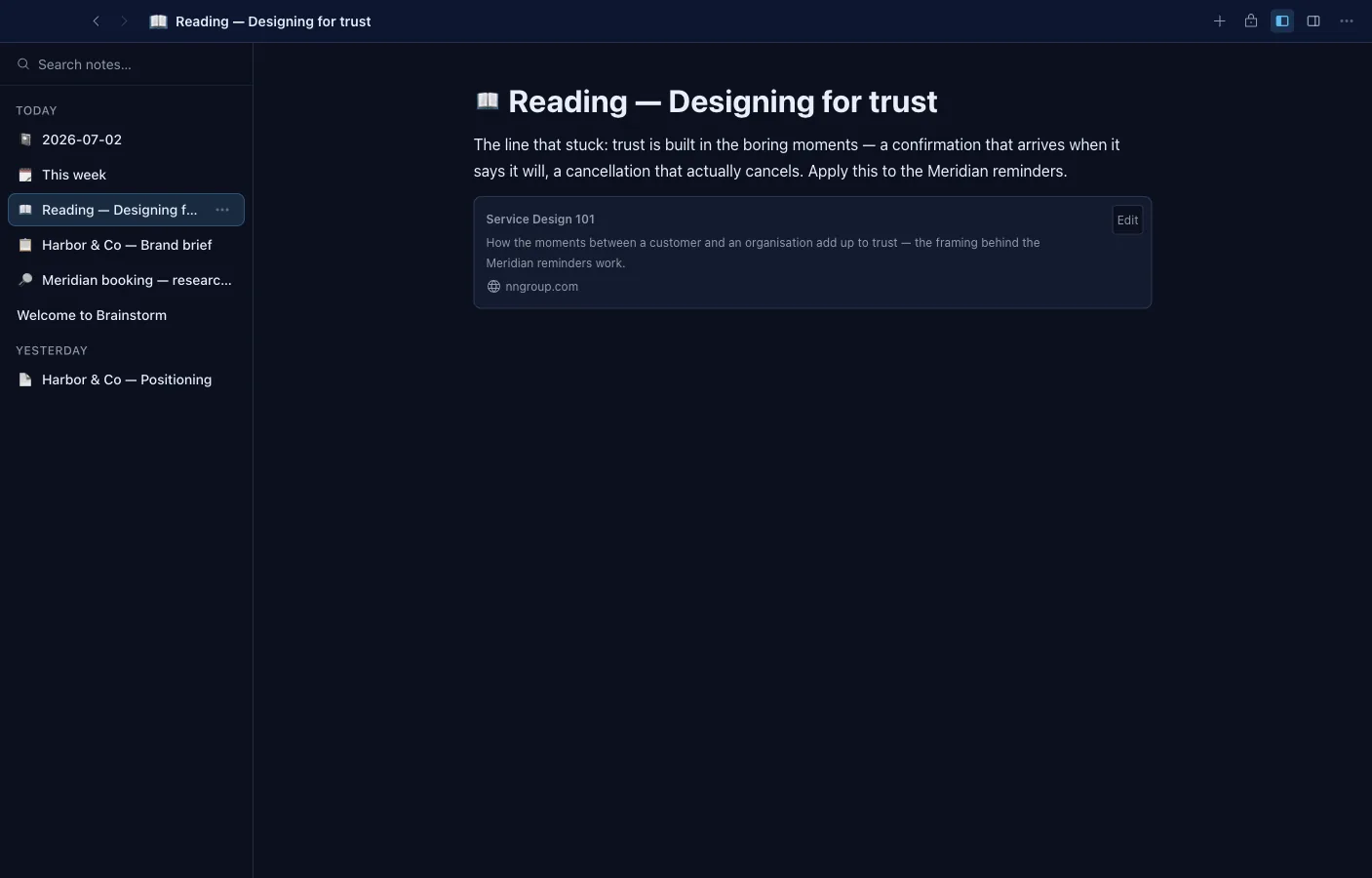
Notes is Brainstorm’s rich-text writing app. It’s where most freeform thinking starts.
What it can do
Section titled “What it can do”- Slash commands, the block grip menu, and right-click all draw from one command registry — turn-into, insert, and block actions everywhere.
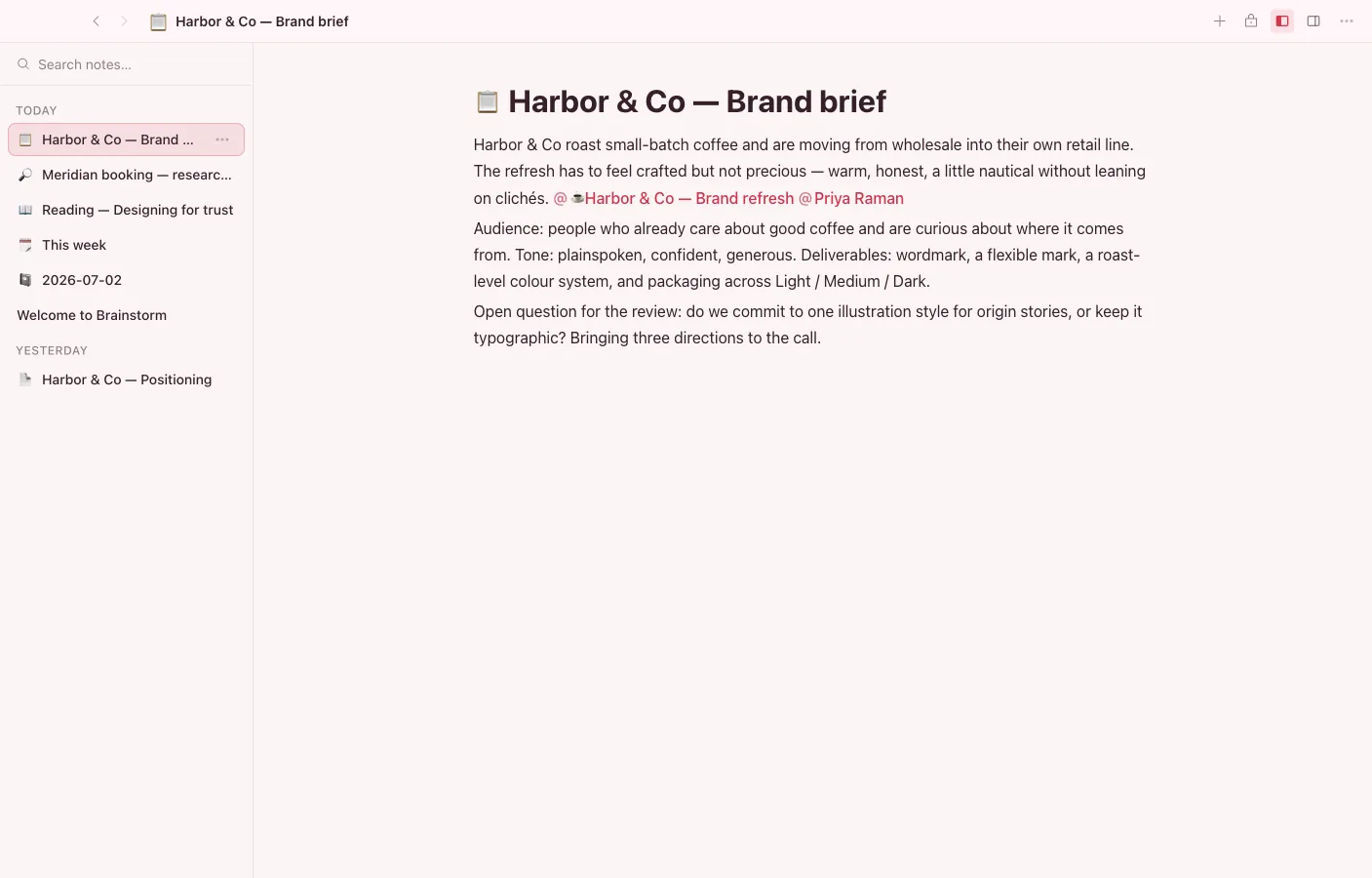
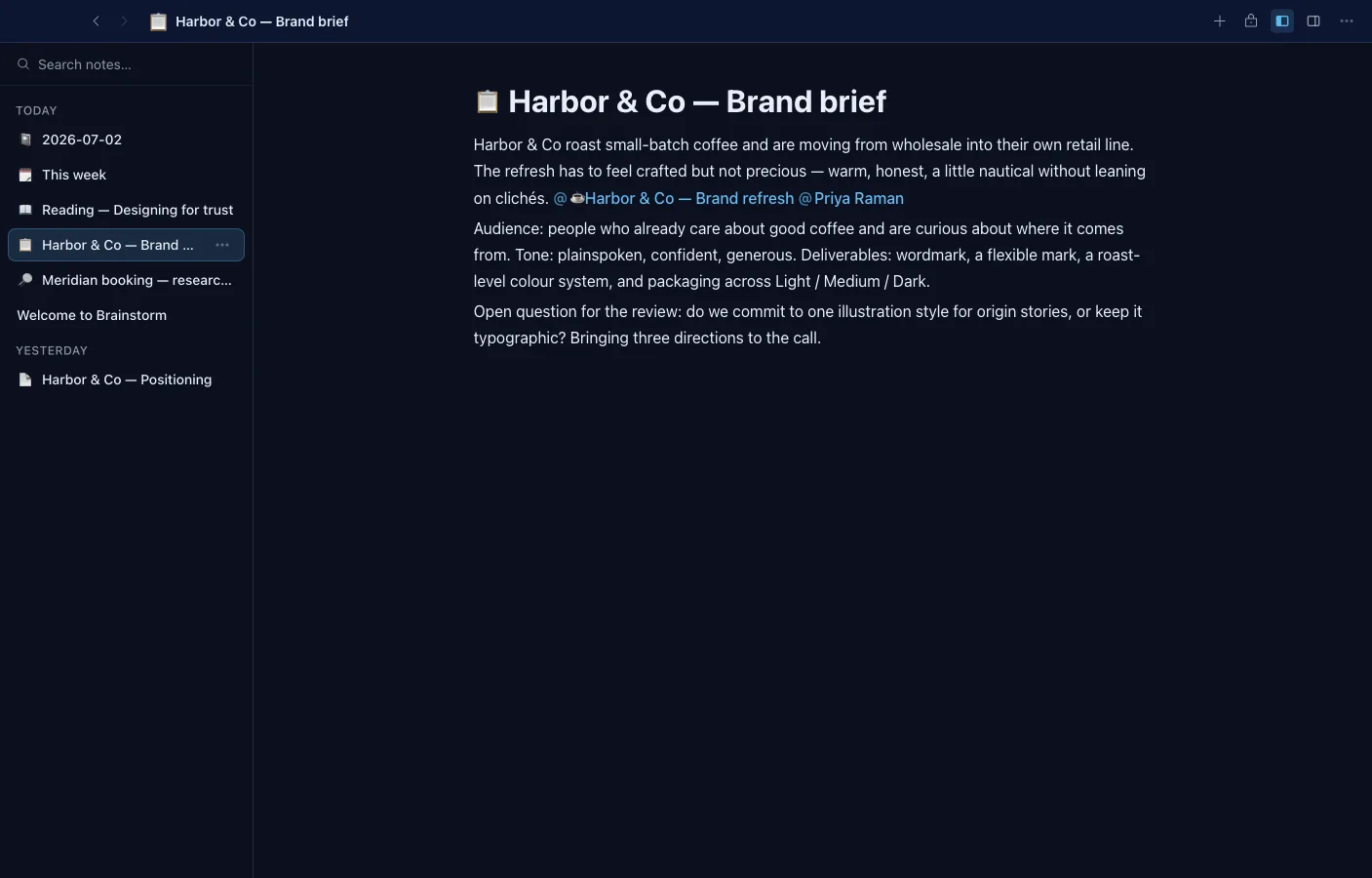
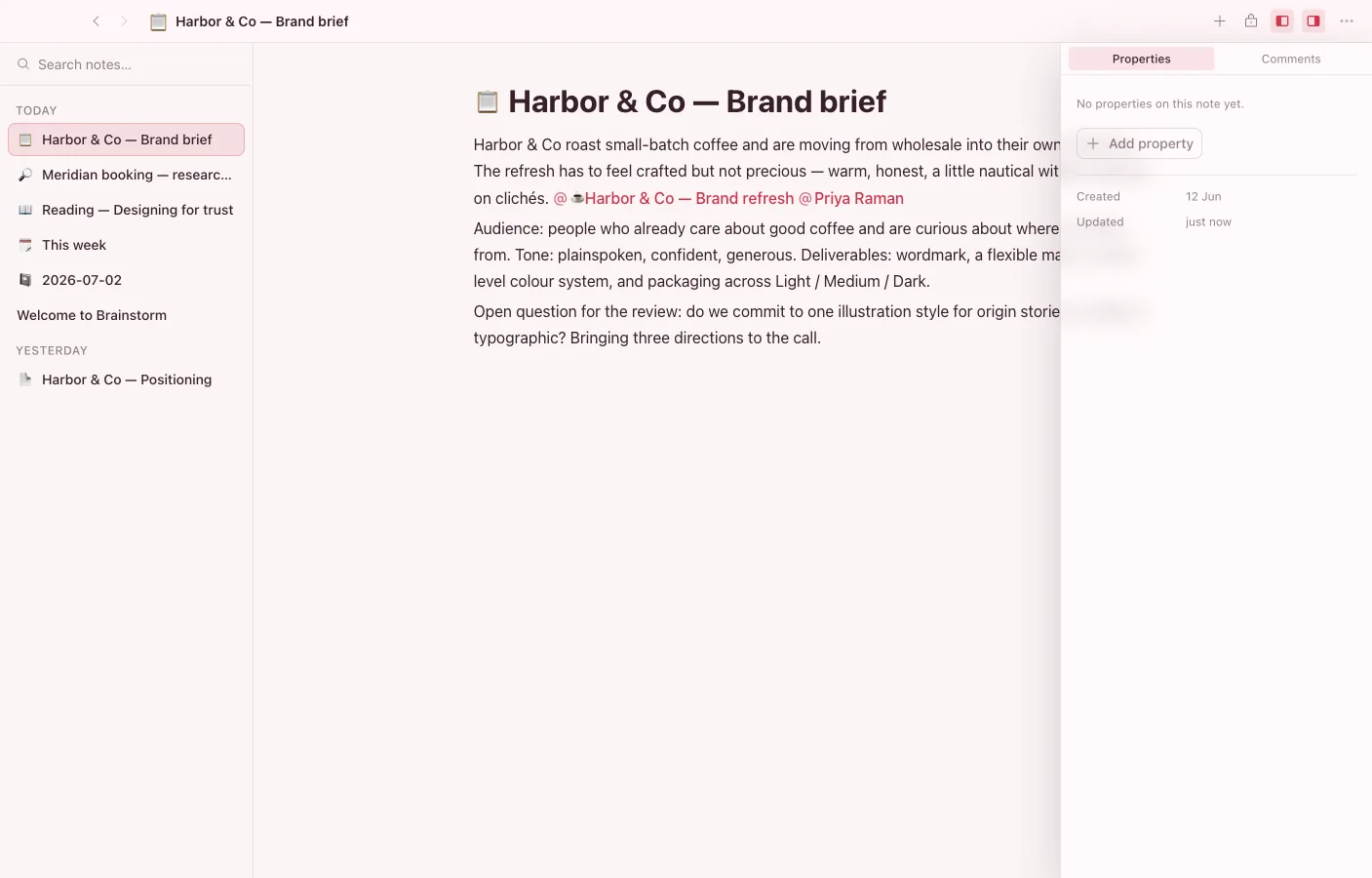
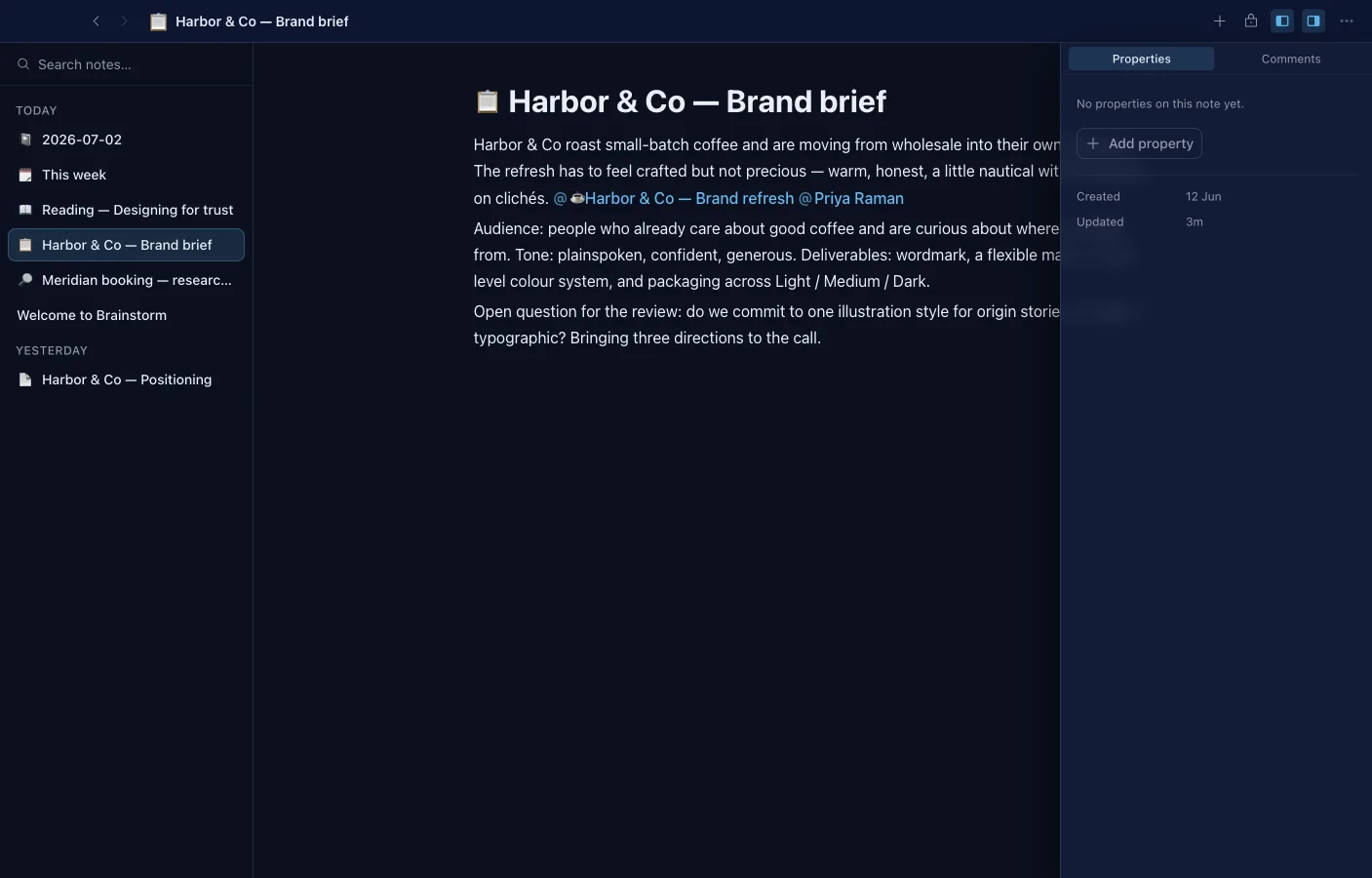
- @-mention any vault object; backlinks and outgoing references show up in their own panel.
- Transclude a block or a whole note inline and it stays live in both places.
- Typed property blocks, sortable tables with fill-down, columns layouts, and syntax-highlighted code blocks that follow the app’s theme.
- Uploaded images, video, and audio render right in the editor.
- Range-anchored comments and shared cursors over a local-first document.
- Covers and icons, page-level and per-block read-only locks, find-and-replace, and export to Markdown, HTML, or PDF.
Writing
Section titled “Writing”Notes supports the formatting you’d expect — headings, bold and italic, lists, checkboxes, quotes, code blocks, and dividers. Text is structured under the hood (via Lexical), so it stays clean and portable rather than becoming a soup of markup.
Linking your knowledge
Section titled “Linking your knowledge”- Type
@to mention and link any object in your vault — another note, a task, a contact. The link is real: the target knows it’s referenced. - Type
/to open the command menu and insert blocks, headings, and embeds without leaving the keyboard.
Because a note links to real objects, your writing becomes part of the connected graph of your vault rather than an island of text.
Always saved, always yours
Section titled “Always saved, always yours”Every keystroke is saved to your vault on disk, offline and instantly. If you sync, edits merge cleanly across devices with no version conflicts.