

Files
Files brings existing documents and media — PDFs, images, and other attachments — into your vault so they live alongside your notes, tasks, and databases.
What it can do
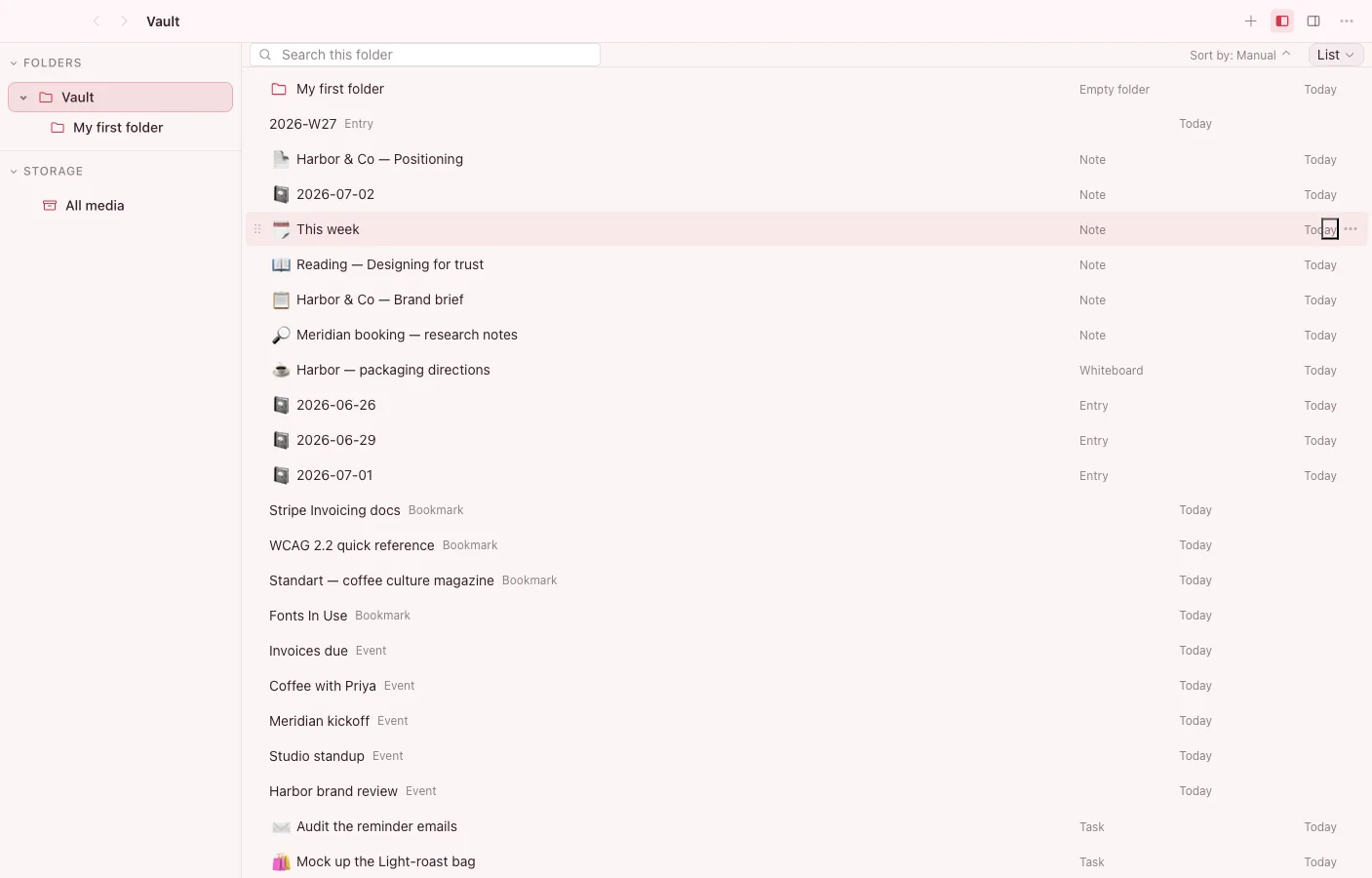
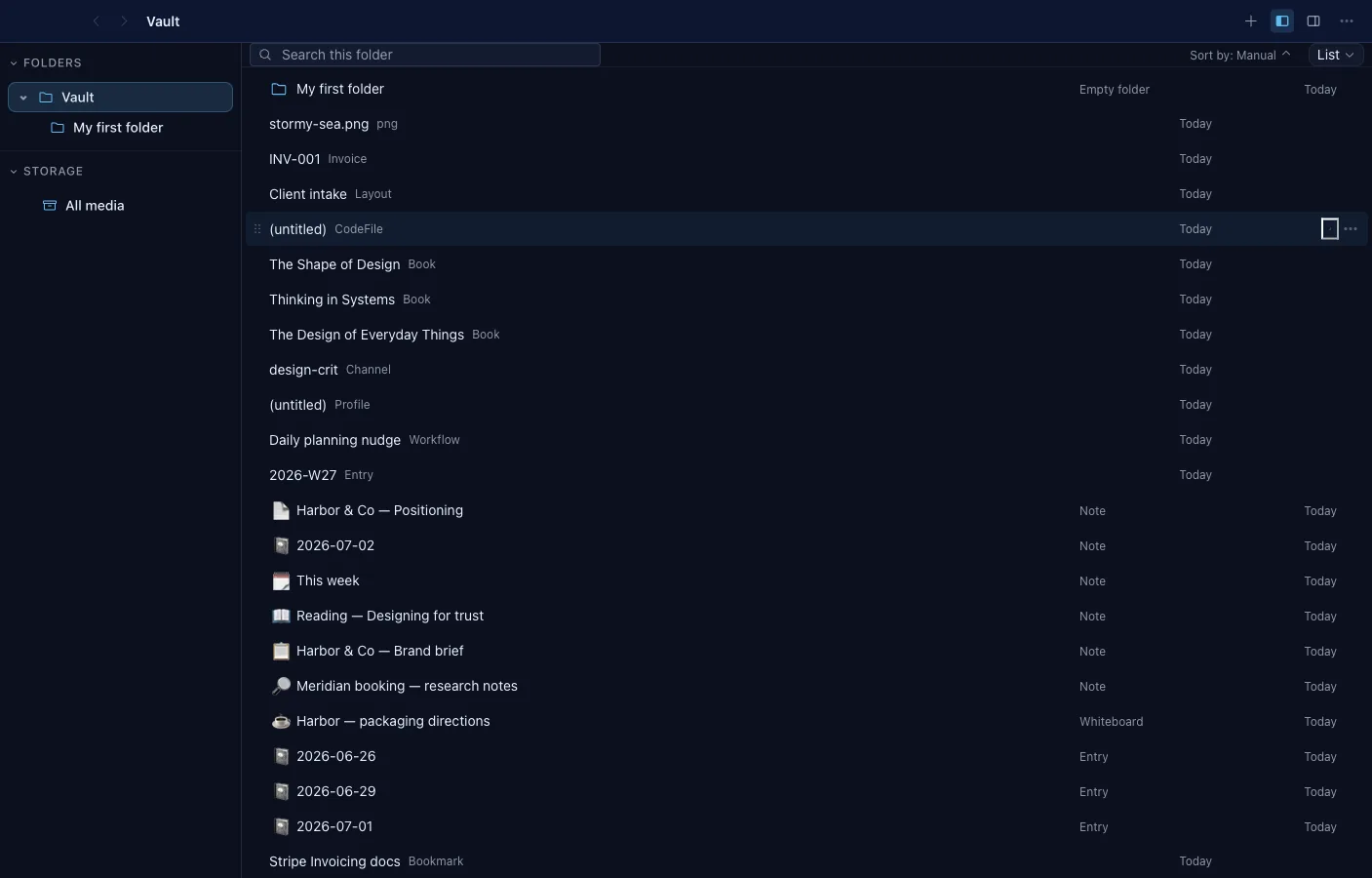
Section titled “What it can do”- List, icon-list, grid, and gallery views, remembered per folder.
- Smart folders capture a search’s query and scope as a live sidebar entry.
- Upload real files through the OS picker or drag them in from Finder — bytes, MIME type, size, and SHA-256 hash included.
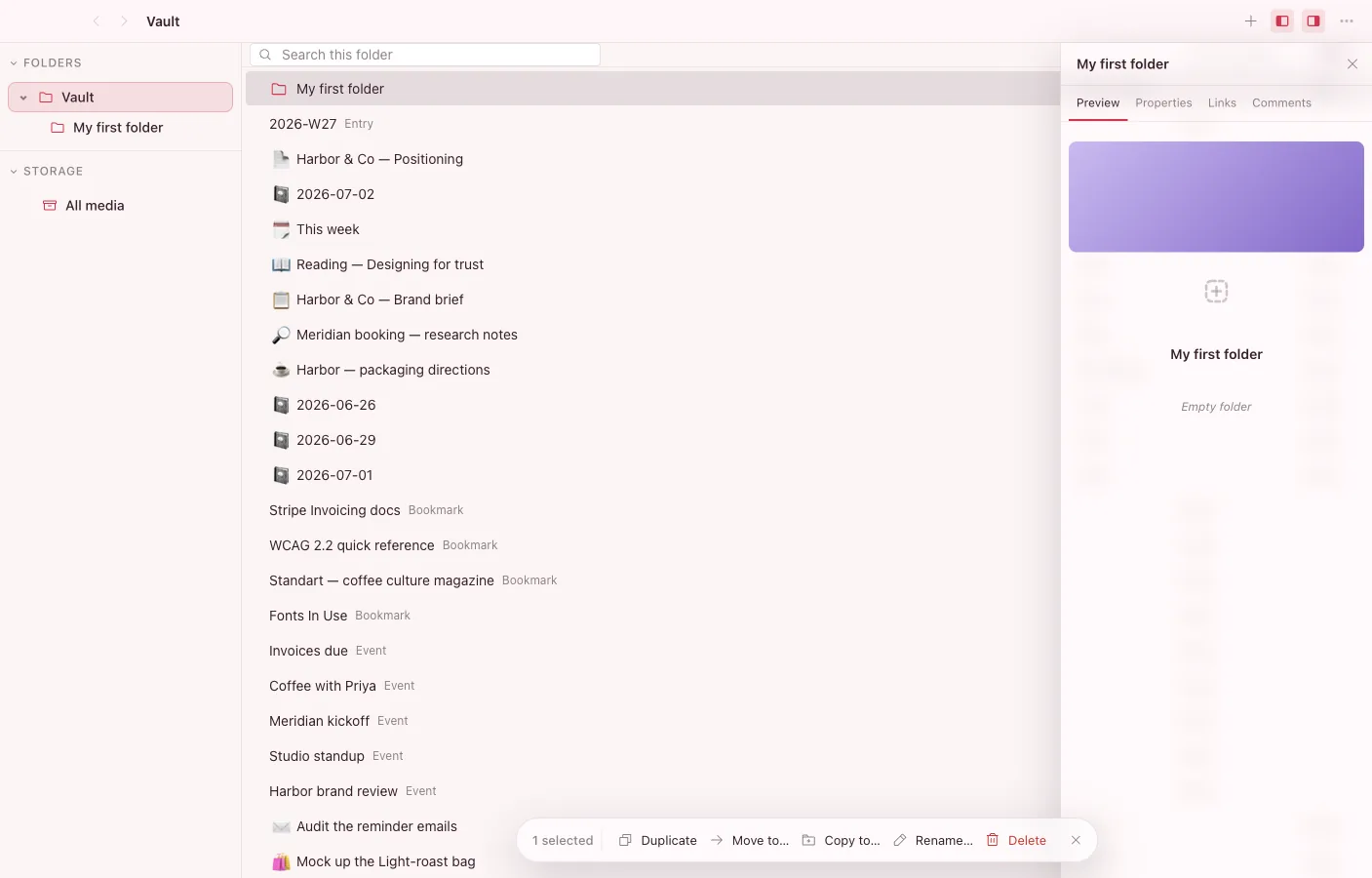
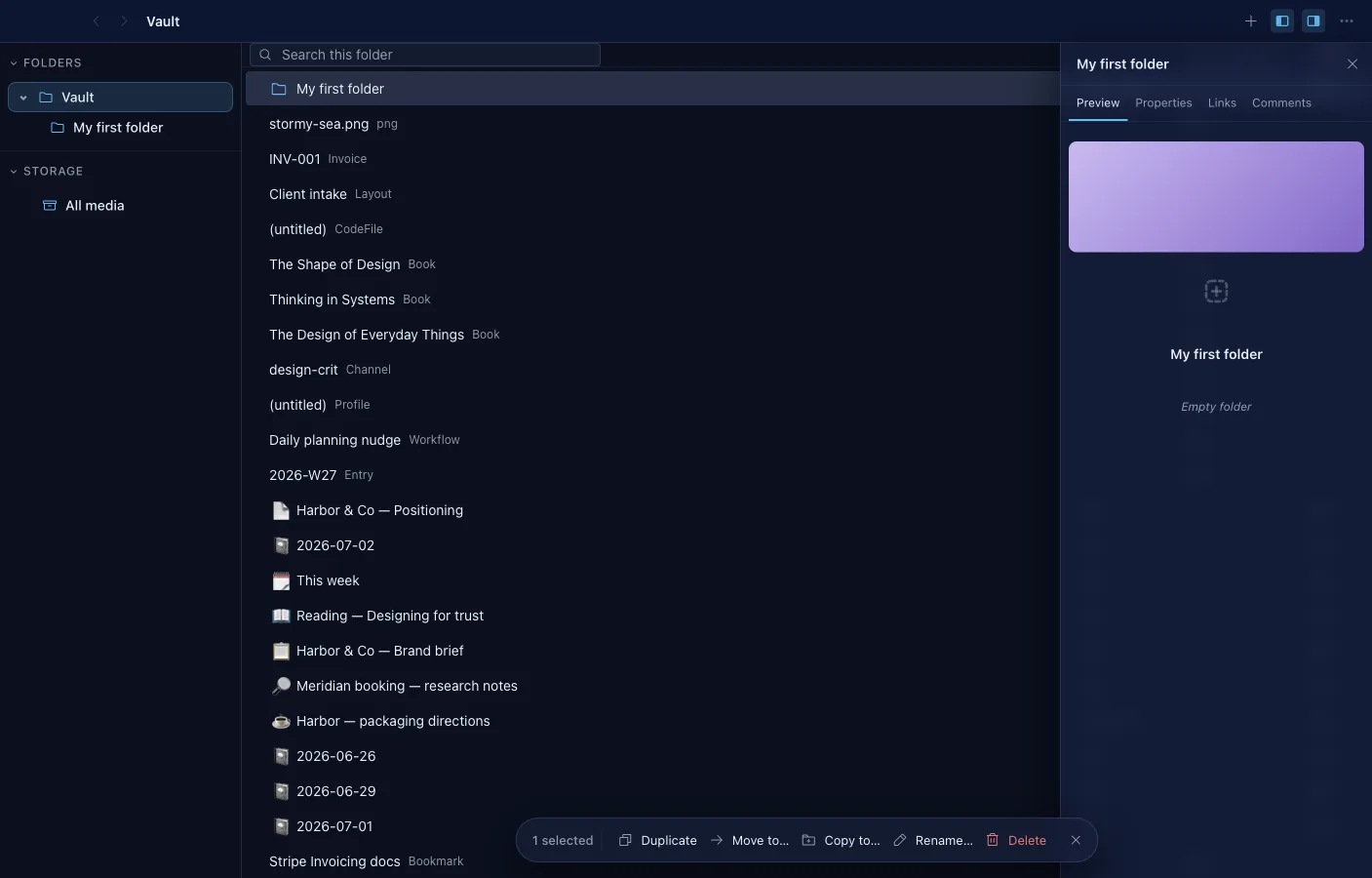
- Multi-select bulk delete, move, copy, and rename with collision-safe naming.
- An inspector with Preview, Properties, and Links tabs; folder covers and icons are click-to-edit.
- Virtualized lists keep large folders fast; breadcrumbs, grouping, and a Recently Deleted view keep them navigable.
Files are objects too
Section titled “Files are objects too”A file you add becomes an object in your vault: it can be linked from a note with @, given properties, collected into sets, and surfaced in the Graph. Your documents stop being loose attachments and become part of the connected workspace.
Browsing and previewing
Section titled “Browsing and previewing”Files gives you a familiar browser for what’s in your vault, and the Preview app renders supported documents and media inline so you can read without leaving Brainstorm.
On your disk, on every device
Section titled “On your disk, on every device”Files you add are stored in your vault on your own disk and protected by your vault key. When you enable sync, attachments follow you across devices, end-to-end encrypted: thumbnails are always synced so previews appear instantly, and the full file downloads the moment you open it — nothing waits, nothing hogs your disk.
Related
Section titled “Related”- Objects — how files relate to everything else
- Your data & security — where files are stored and how they’re protected