

Database
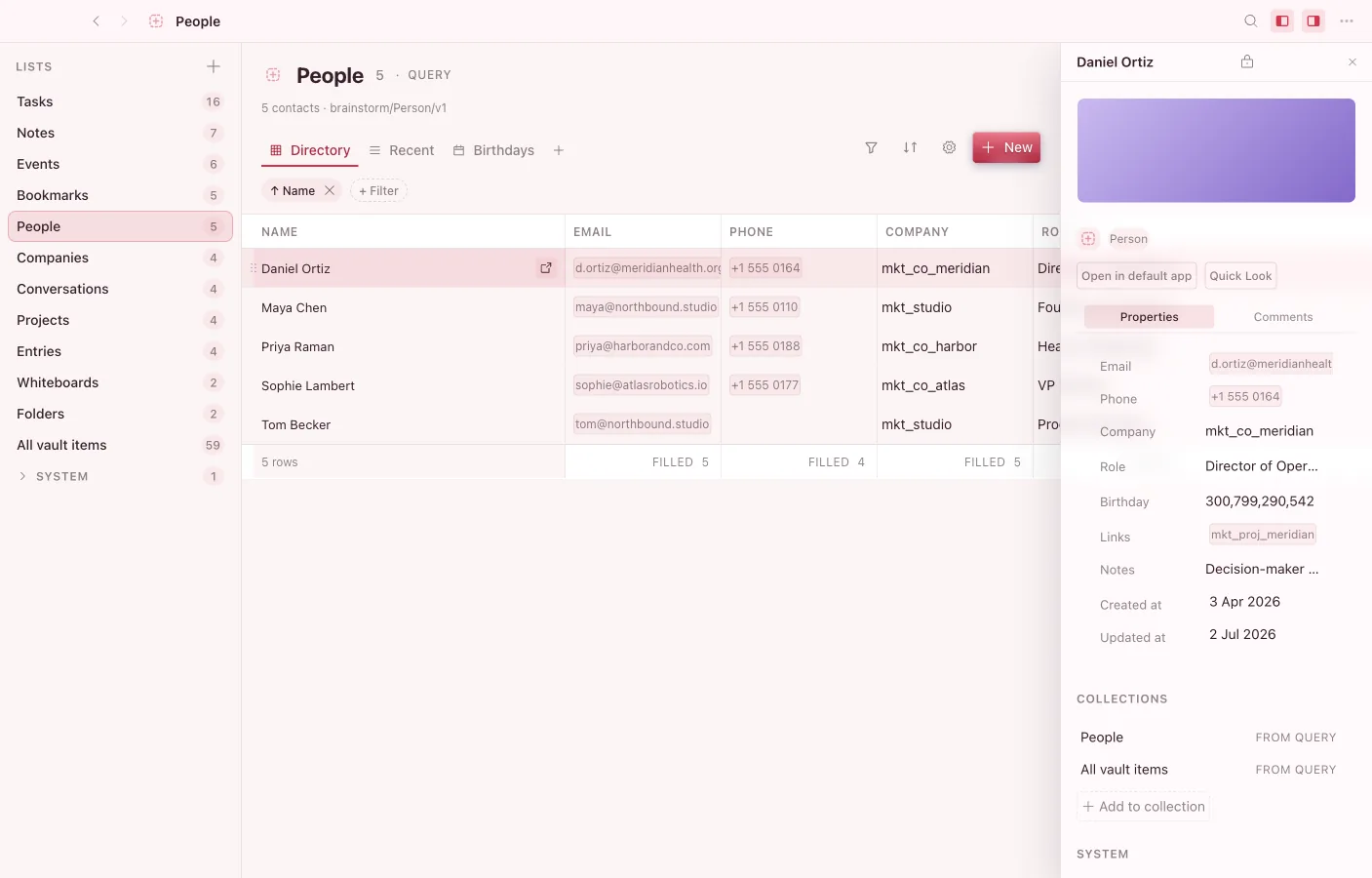
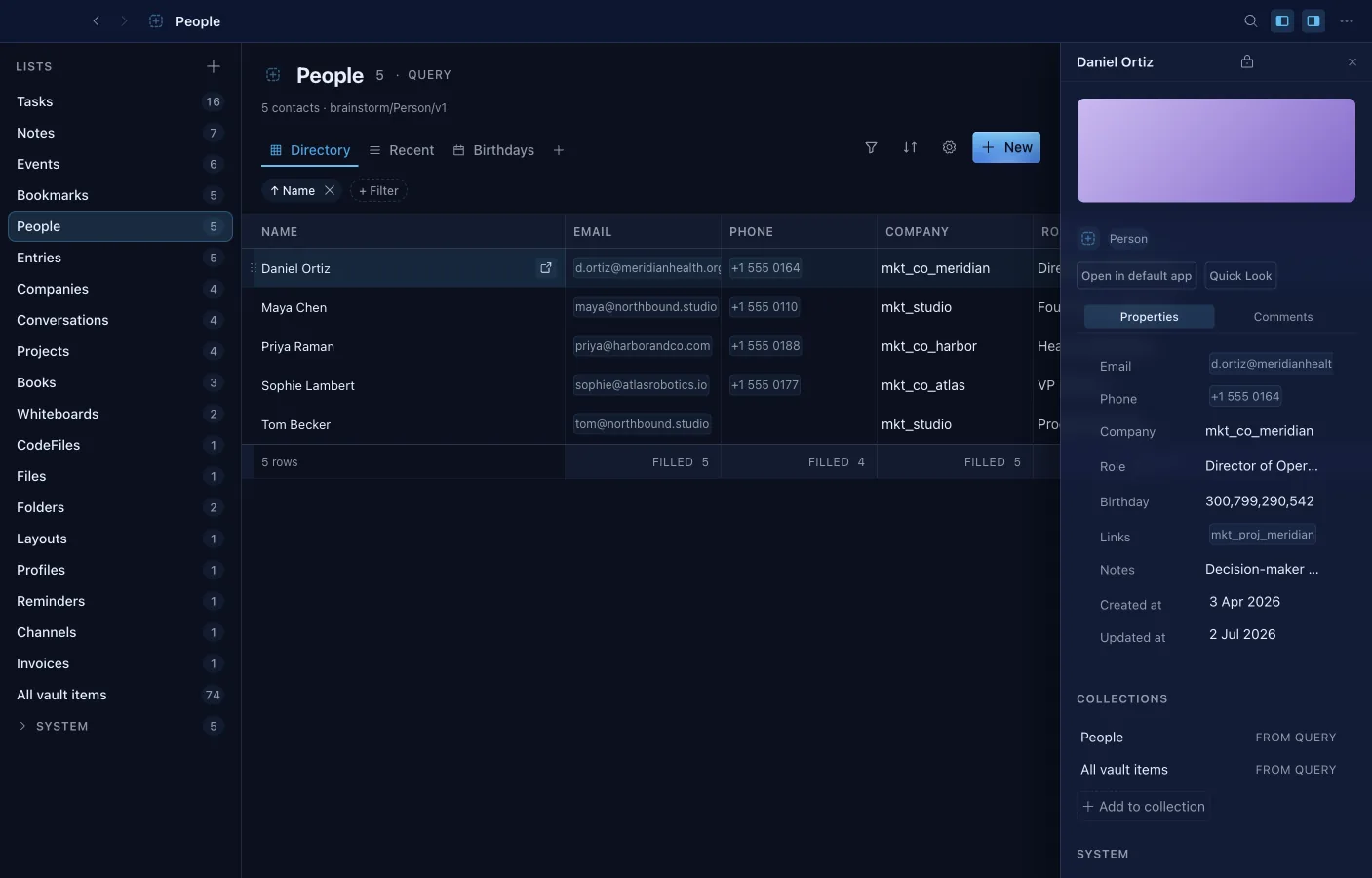
Database turns your objects into structured, queryable tables — tasks, contacts, a reading list, a CRM, an inventory.
What it can do
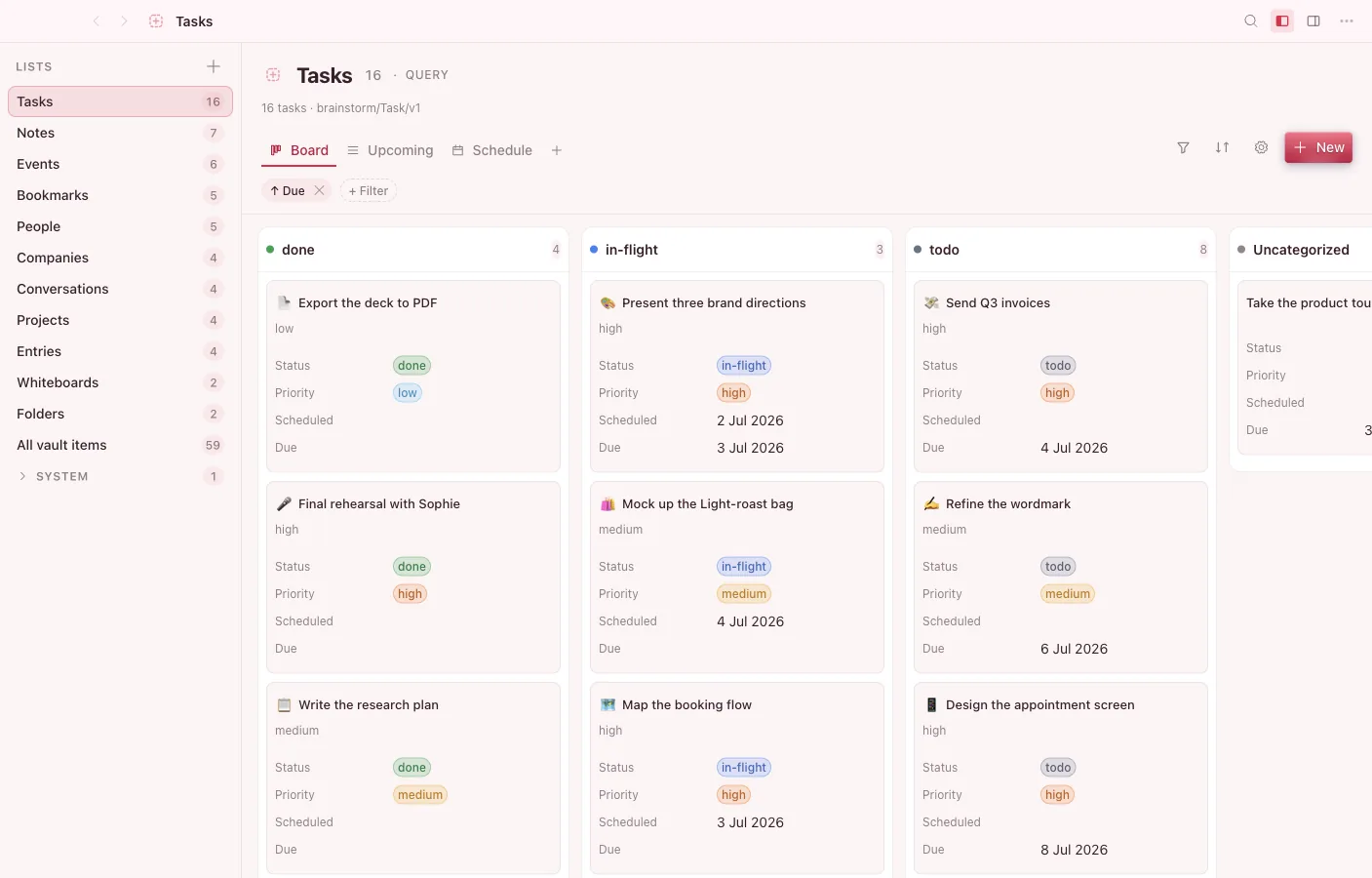
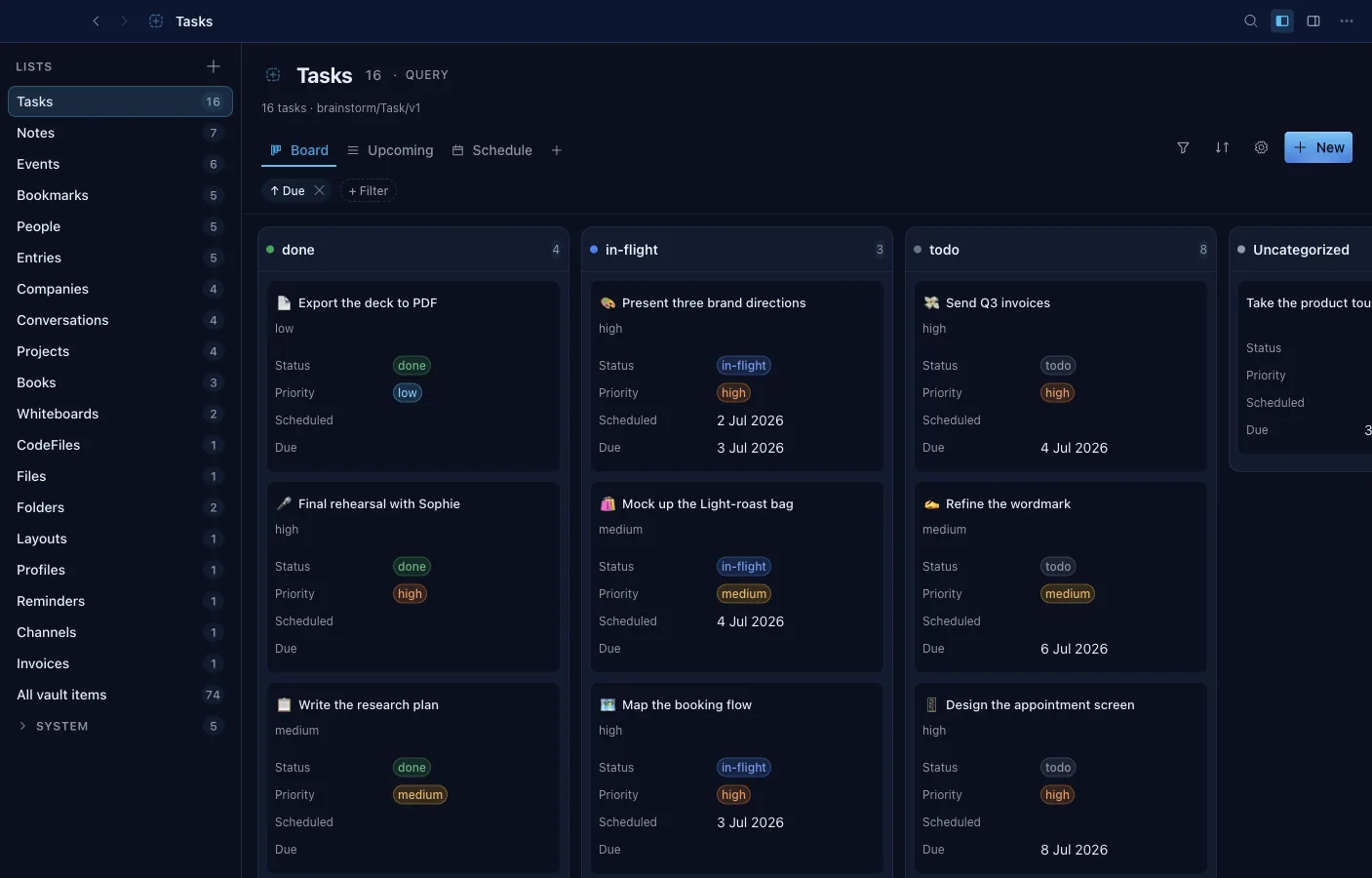
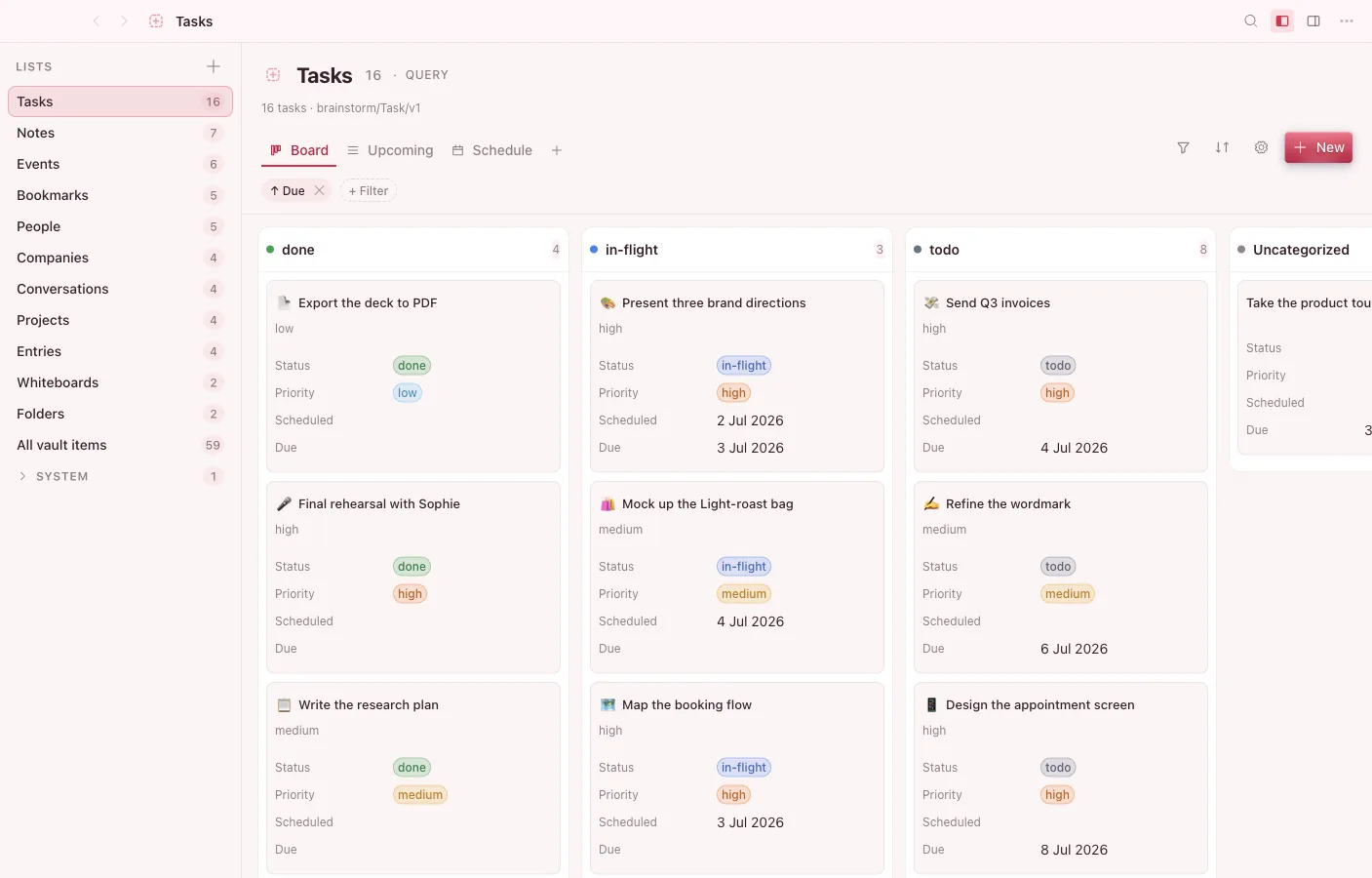
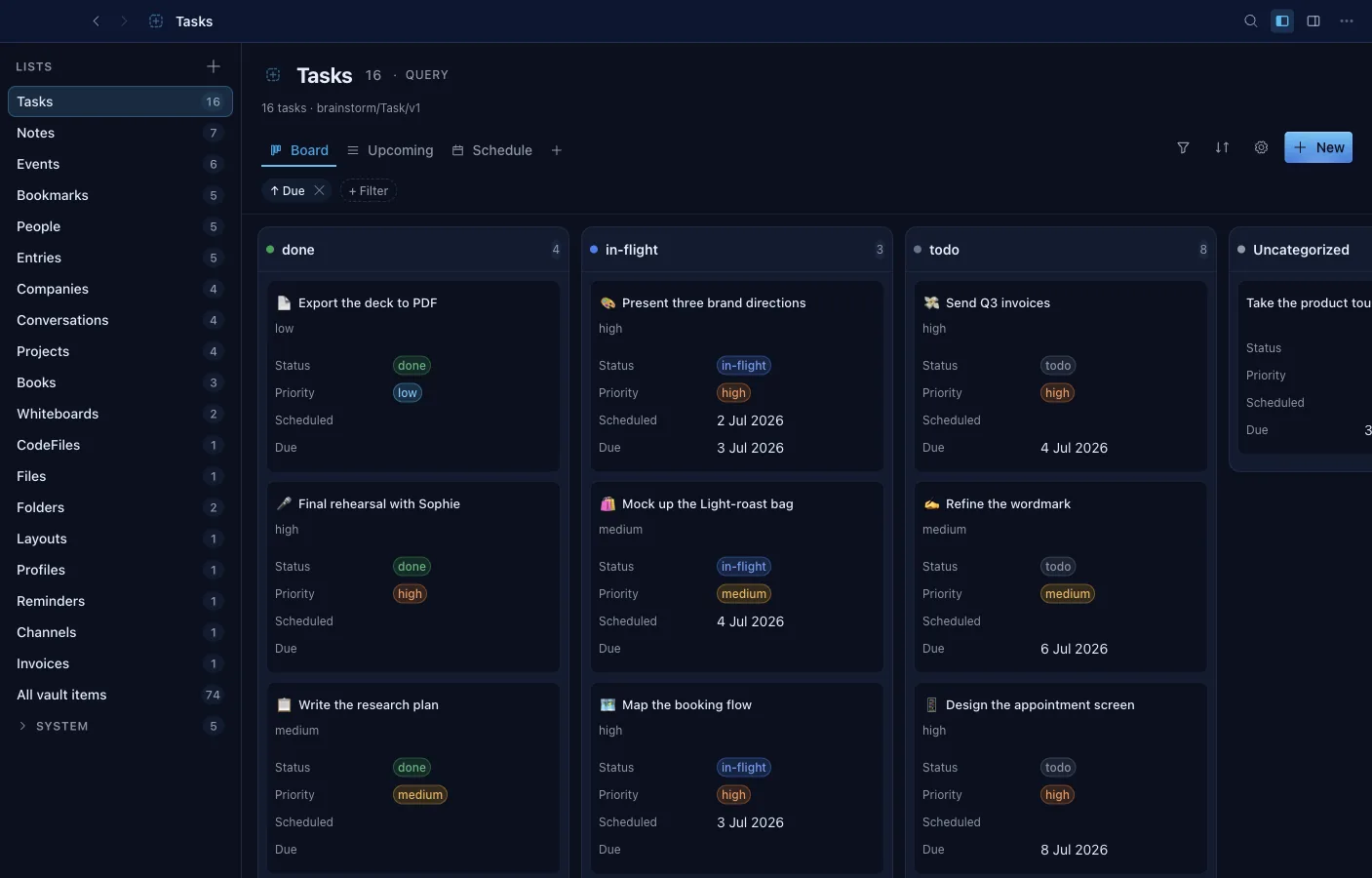
Section titled “What it can do”- Six view kinds per List: grid, list, gallery, kanban board, calendar, and timeline with drag and dependency lines.
- Filters with AND/OR groups and live relative-date ranges like “last 7 days”.
- Formula and rollup columns compute across properties and relations; footers aggregate sum, average, median, and more.
- Edit cells in place with the same typed cells the rest of the platform uses.
- CSV import with type inference; export a List to CSV, JSON, or Markdown.
- Save any object as a template and start new rows from it.
- Embed a live List inside a note with the /database command.
- The Agent can draft a row — or design a whole new database — as a card you approve before anything is saved.
Typed properties
Section titled “Typed properties”Each row is an object, and each column is a typed property — text, number, date, checkbox, select, link, and more. Properties are defined at the vault level, so a “Status” or “Due date” means the same thing wherever that object appears. Cells are edited inline through Brainstorm’s shared property system.
Multiple views
Section titled “Multiple views”The same set of objects can be viewed several ways without duplicating data:
- Table — the classic rows-and-columns grid.
- Board — a kanban grouped by a property.
- List, Gallery, and other layouts for different shapes of data.
A view defines how objects are filtered, sorted, and grouped; switching views never changes the underlying objects.
Shared with every app
Section titled “Shared with every app”Rows are ordinary objects, so a task you create in a Database can appear on the Calendar, as a node in the Graph, and linked from a Note. The database is one lens over your data, not a silo.