

Code
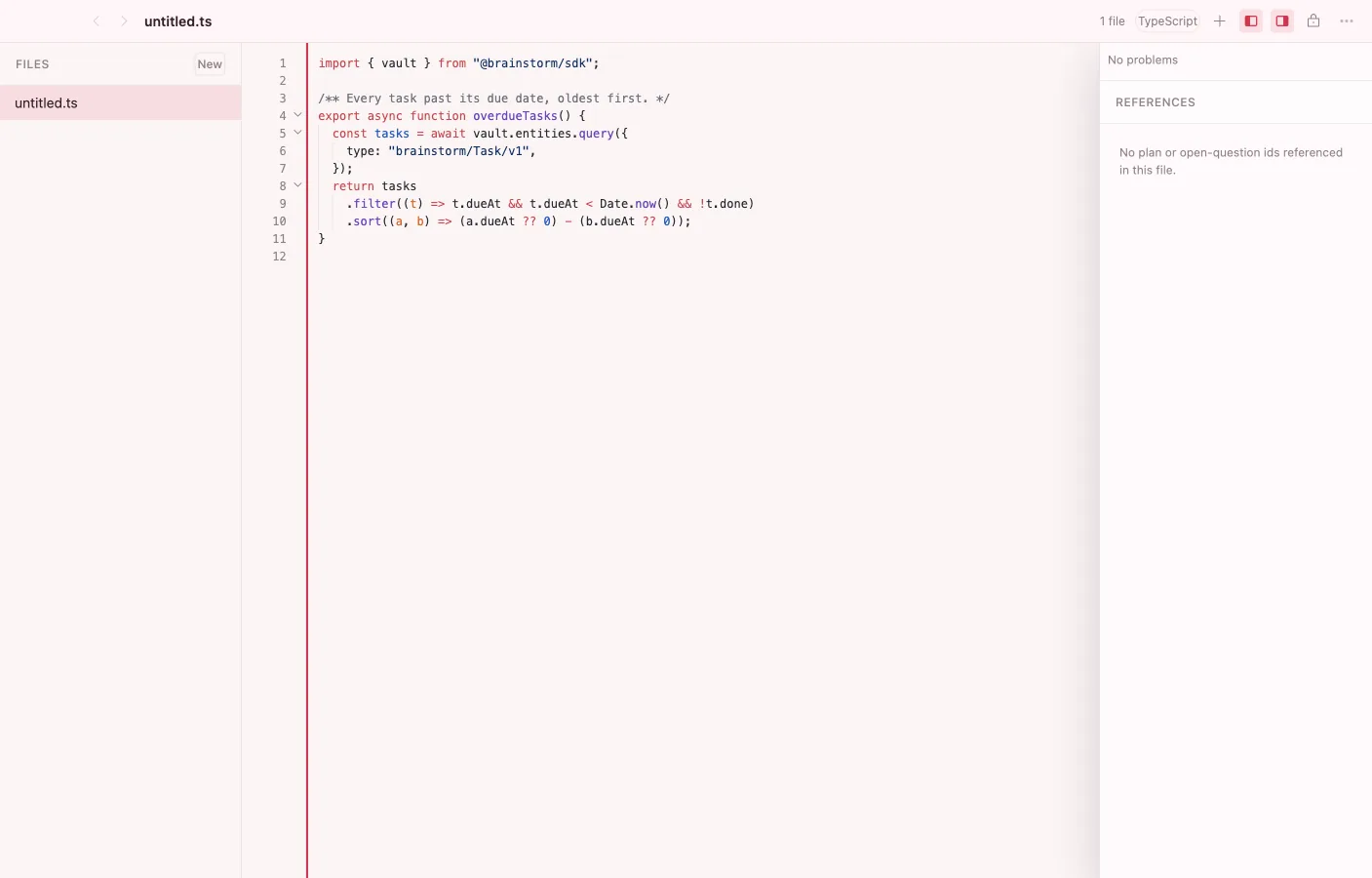
Code. Edits snippets, configs, and other code-shaped objects in the vault with a genuinely capable editor: Shiki highlighting, multi-cursor, folding, diagnostics, and diffs. It opens any source-code MIME the vault hands it — and it’s where you can write a whole Brainstorm app and install it, with no build step and no terminal.
What it can do
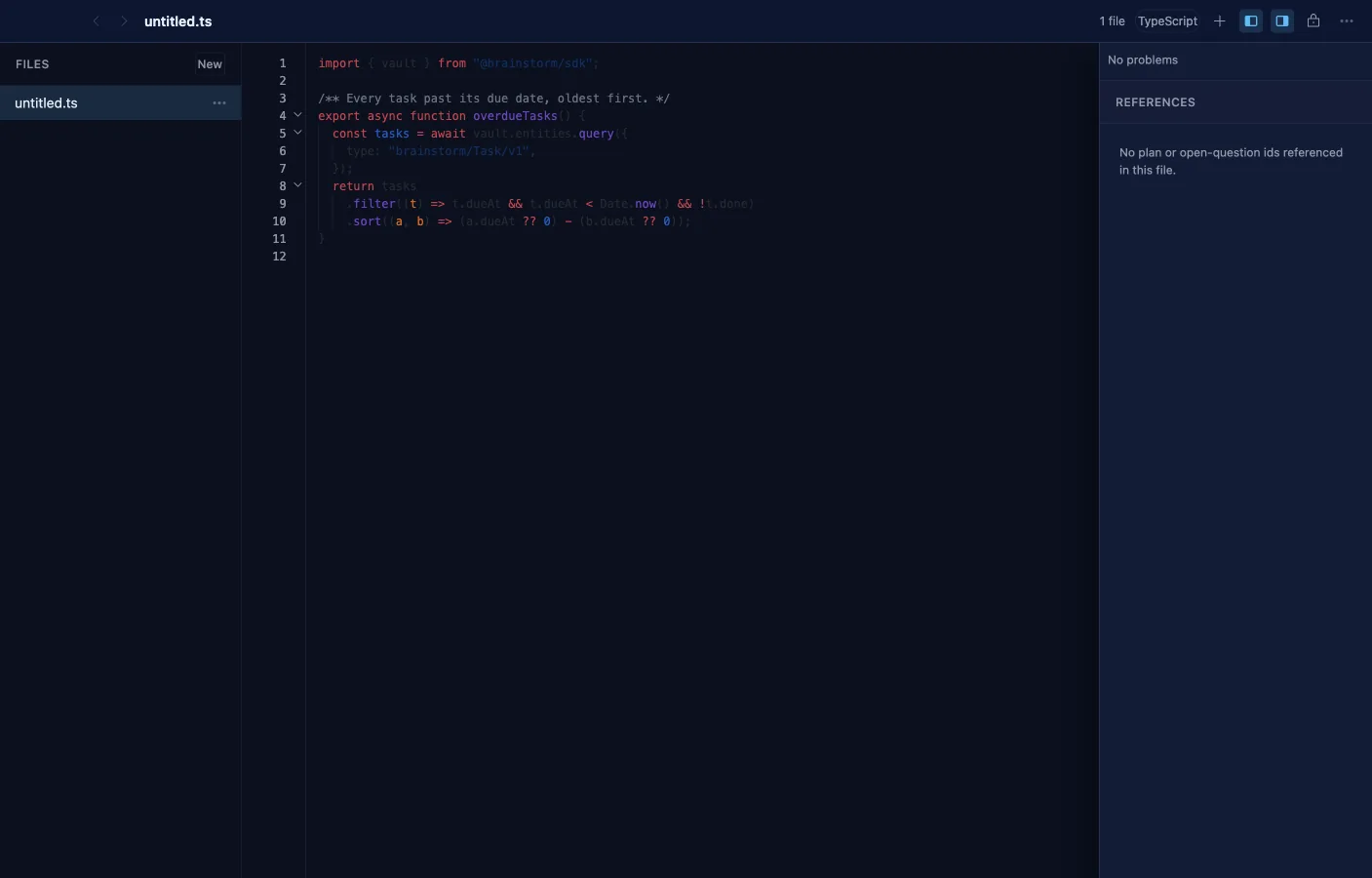
Section titled “What it can do”- Shiki syntax highlighting with lazily loaded per-language grammars and light/dark themes.
- Multi-cursor and select-next-occurrence, bracket matching, auto-close pairs, code folding, and word wrap.
- Quick-open (Cmd/Ctrl+P) and a fuzzy command palette (Cmd/Ctrl+Shift+P).
- Built-in diagnostics with inline squiggles, gutter change markers, and unified or side-by-side diffs against the saved baseline.
- Prettier formatting for web languages, on save or on demand.
- A collaborative Y.Text buffer on the same local-first substrate as everything else, with virtualized rendering for large files.
- A file tree with folders, and a References/diagnostics panel that holds still while you type.
Build an app, then install it
Section titled “Build an app, then install it”An app is two files — a manifest.json and an index.html — with no build step anywhere. Write them in Code, select them, and choose Install as app: it lands on your dashboard right away, no restart. You can also point Brainstorm at a folder on disk, or at a .brainstorm bundle someone sent you. The Agent can draft the files for you as cards you read and approve.
An app installed this way is unsigned, so it’s marked as such and held to the sideloaded trust tier — it gets the capabilities you grant it and nothing more. The full app model is in Build on Brainstorm.
Related
Section titled “Related”- Objects — code files are vault objects too
- Build on Brainstorm — the manifest, capabilities, and SDK