

Automations
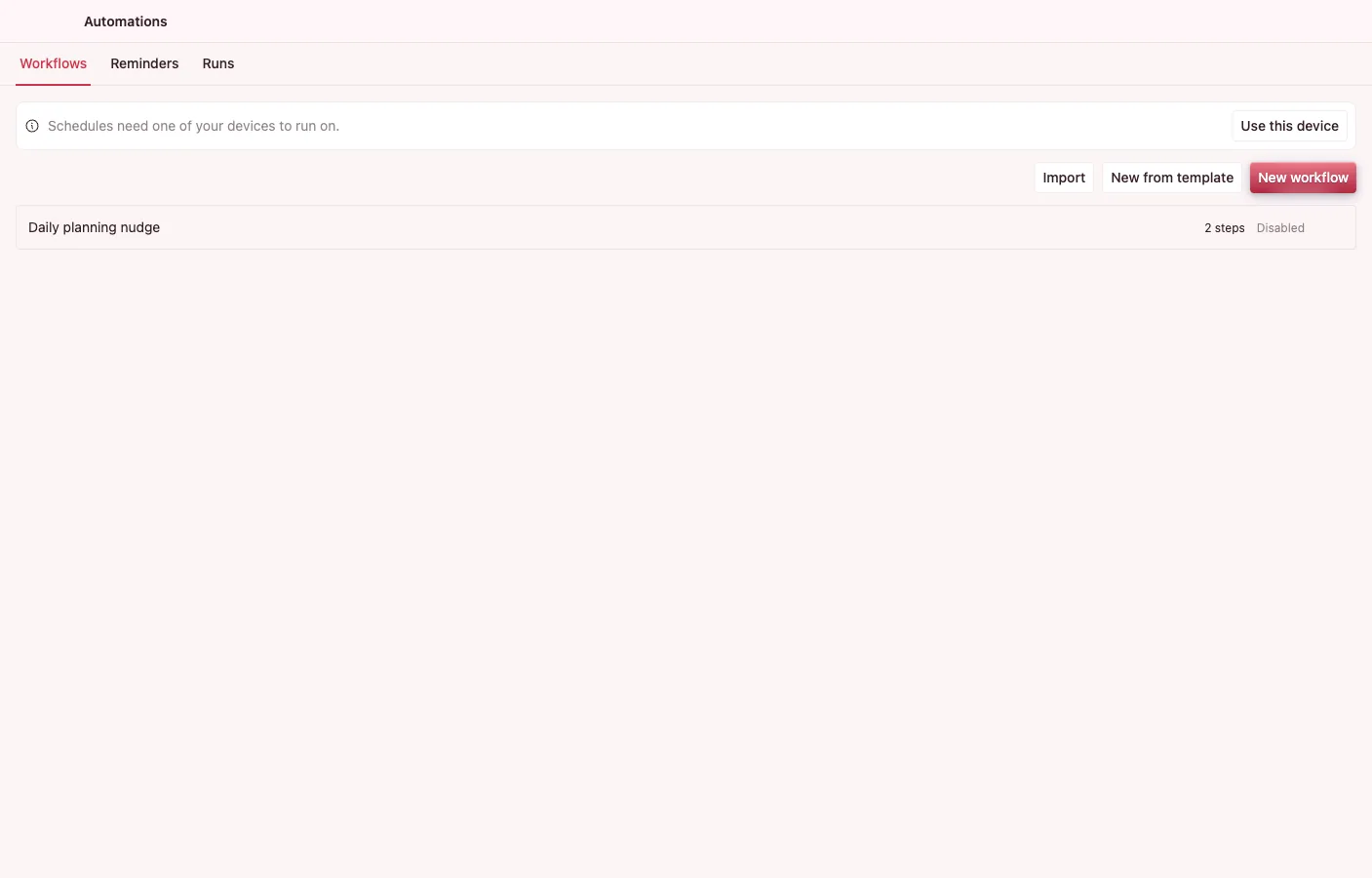
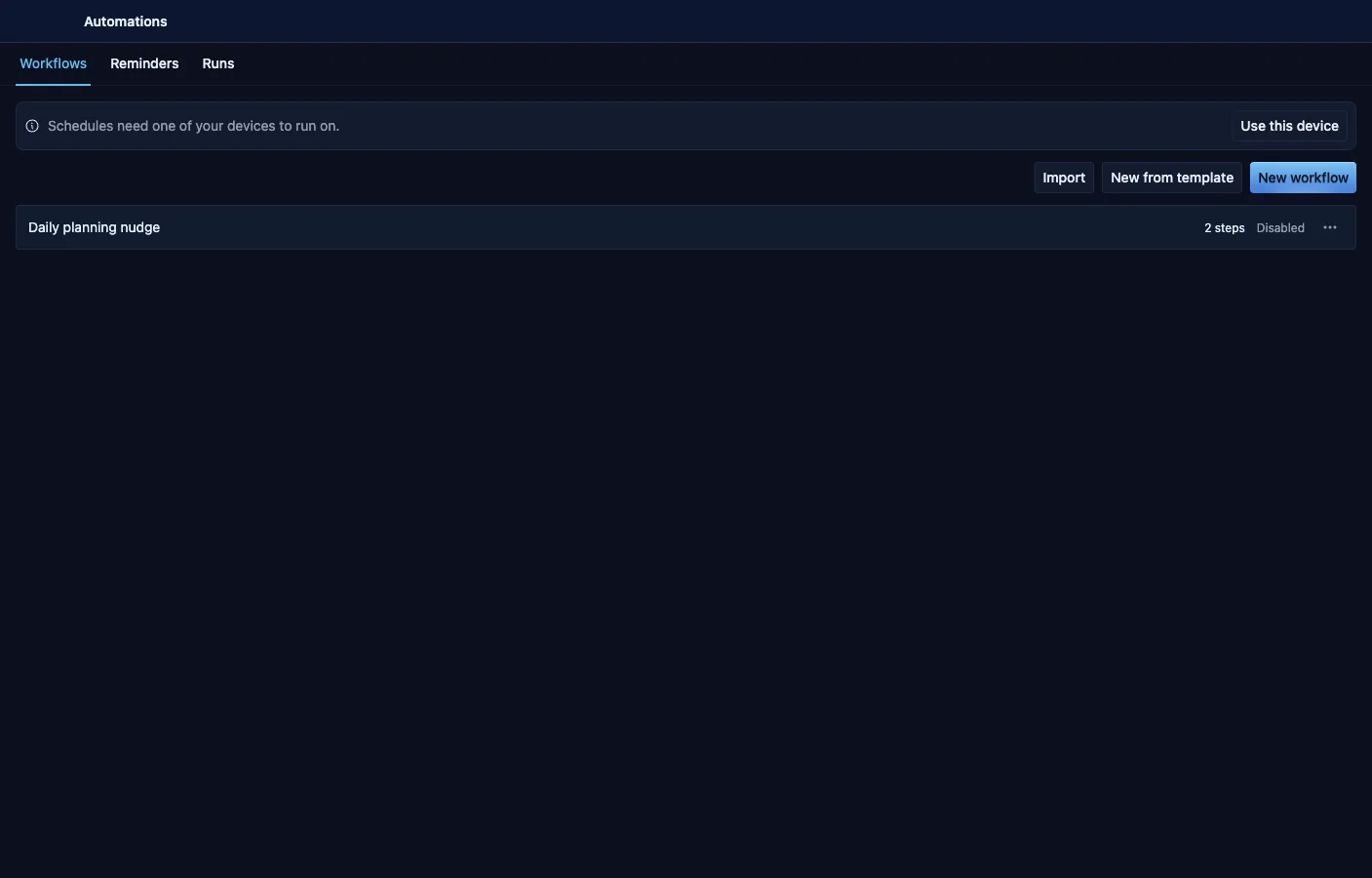
Automations. A builder for workflows triggered by time, entity events, incoming email, webhooks, file changes, or run by hand, composed from steps that drive other apps through intents. Every workflow declares exactly what it may touch before you can save it.
What it can do
Section titled “What it can do”- A linear builder with intent, entity, notify, wait, AI-call, AI-agent, branch, for-each, expression, export, and sub-workflow steps.
- Triggers for time, entity events, and manual runs — plus incoming webhooks (a workflow runs whenever something POSTs to its own URL), a watched file changing on disk, app start, and an email arriving, with an AI-triage step that reads the mail and decides what to do.
- Steps can write what they figure out: a Create or Update step sets each field from an earlier step’s answer — priority from the AI’s classification, title from the email’s subject.
- Workflows can read the web in a separate, signed-out session that can only read — never your logged-in tabs, and never submitting anything.
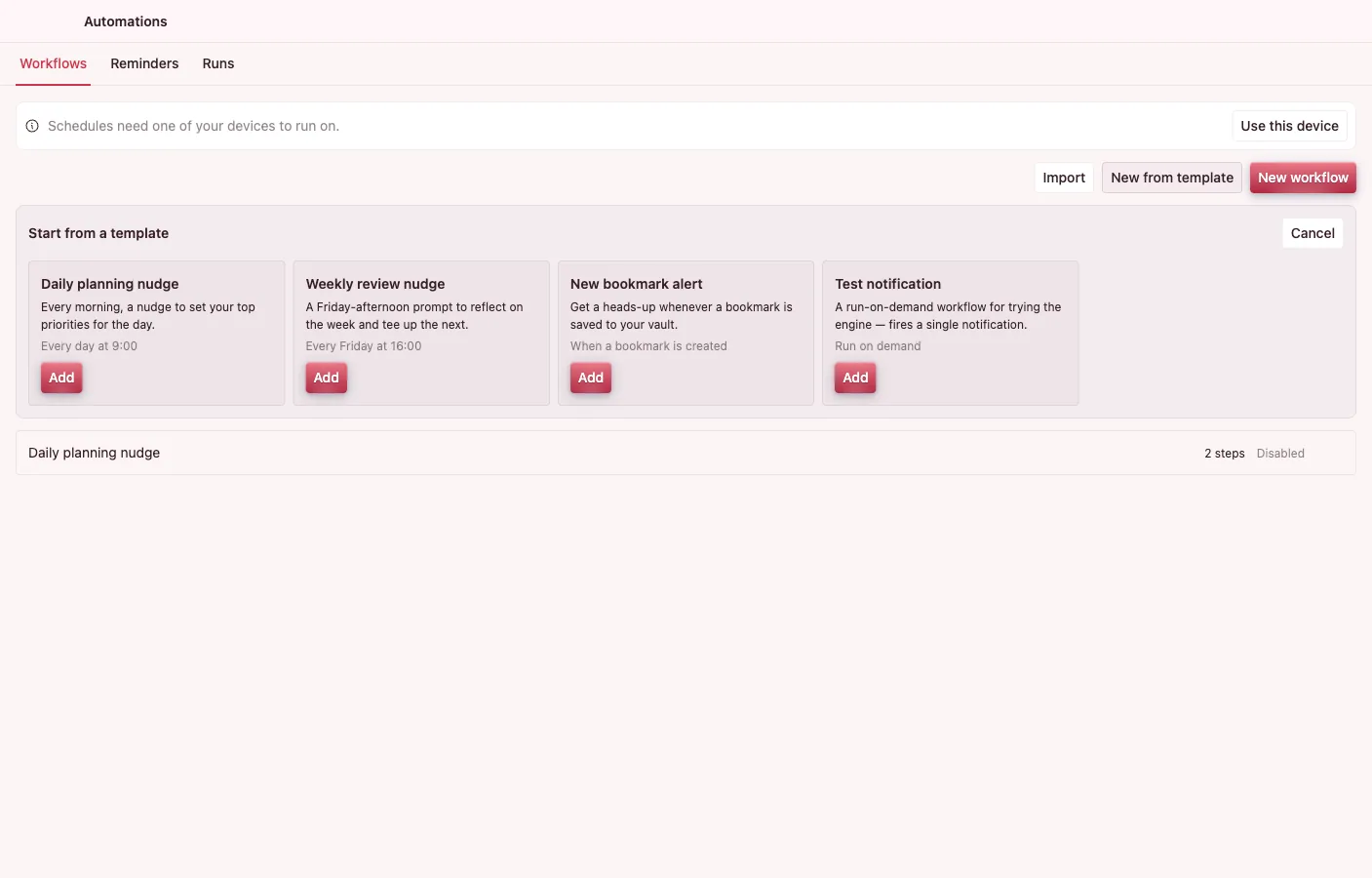
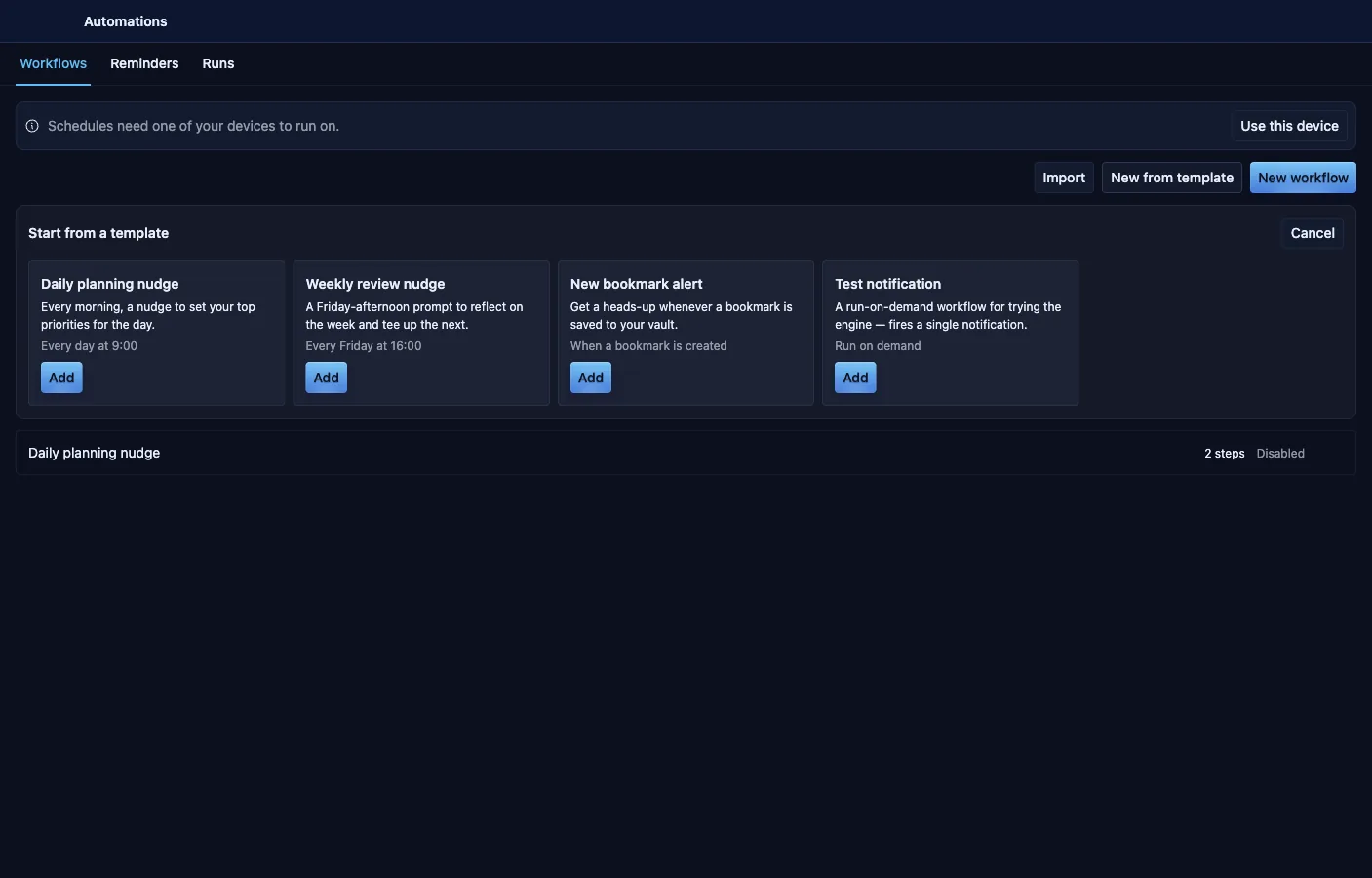
- Starter templates arrive disabled so you review before enabling.
- A save-time capability sheet shows the permissions the steps need against what is granted — over-reach blocks the save.
- AI-agent steps use intents as tools, fail-closed inside the workflow’s capability envelope.
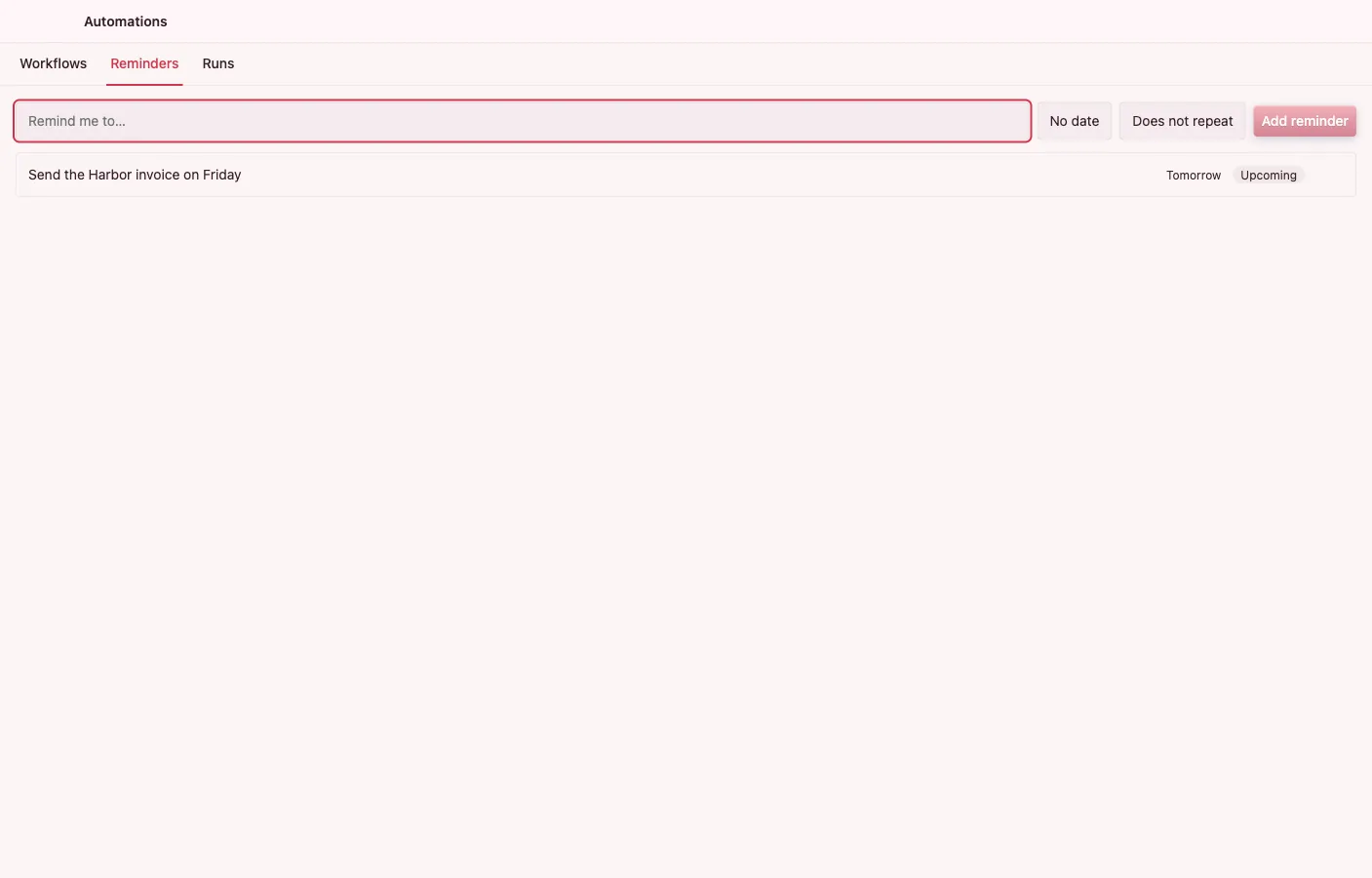
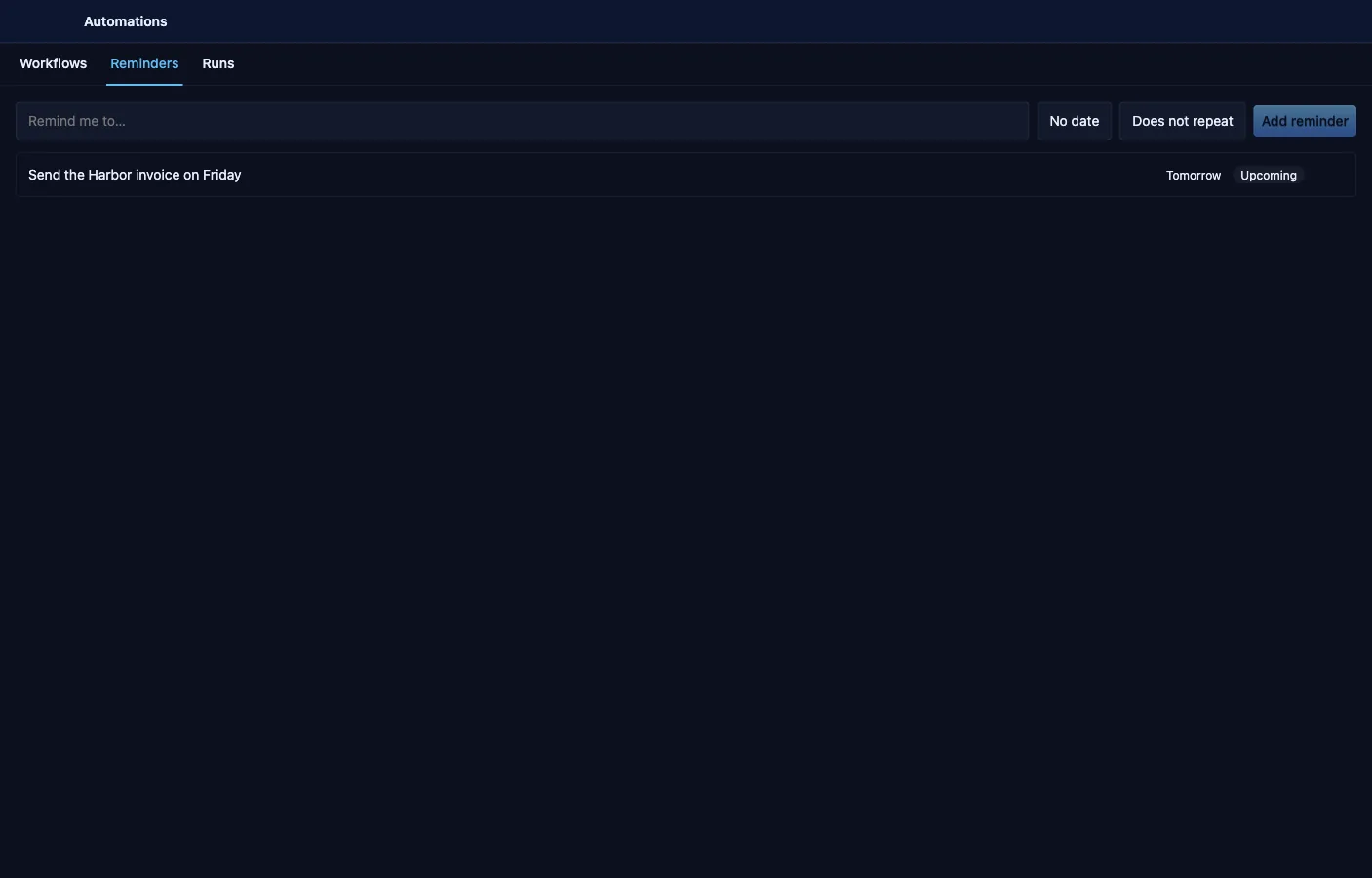
- Run history records status, per-step logs, and cost; lightweight reminders get their own quick-capture view.
- Import and export workflows as JSON; a single designated automation host keeps multi-device vaults from double-running.
Related
Section titled “Related”- Apps & permissions — workflows run inside a capability envelope