

Calendar
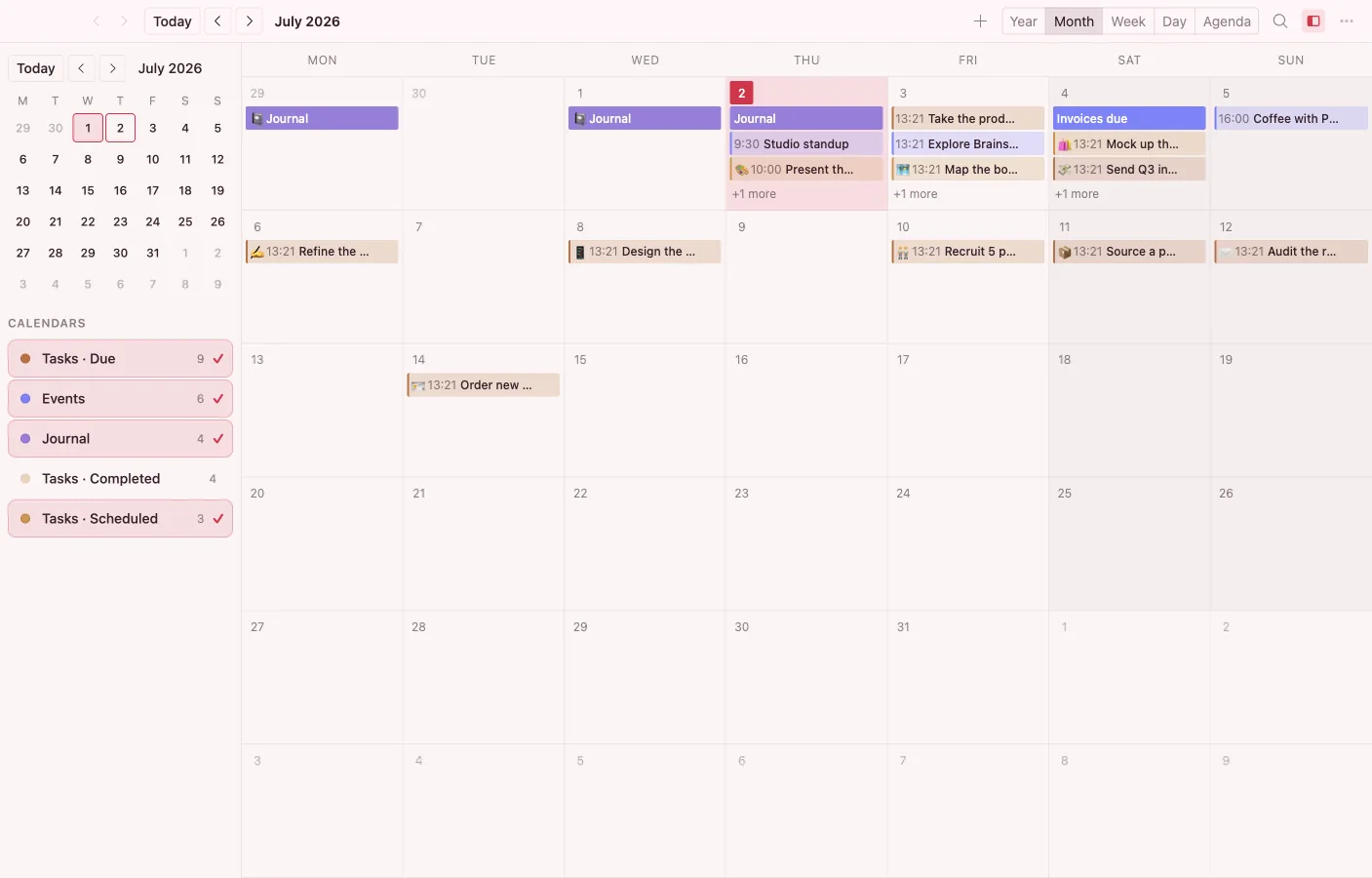
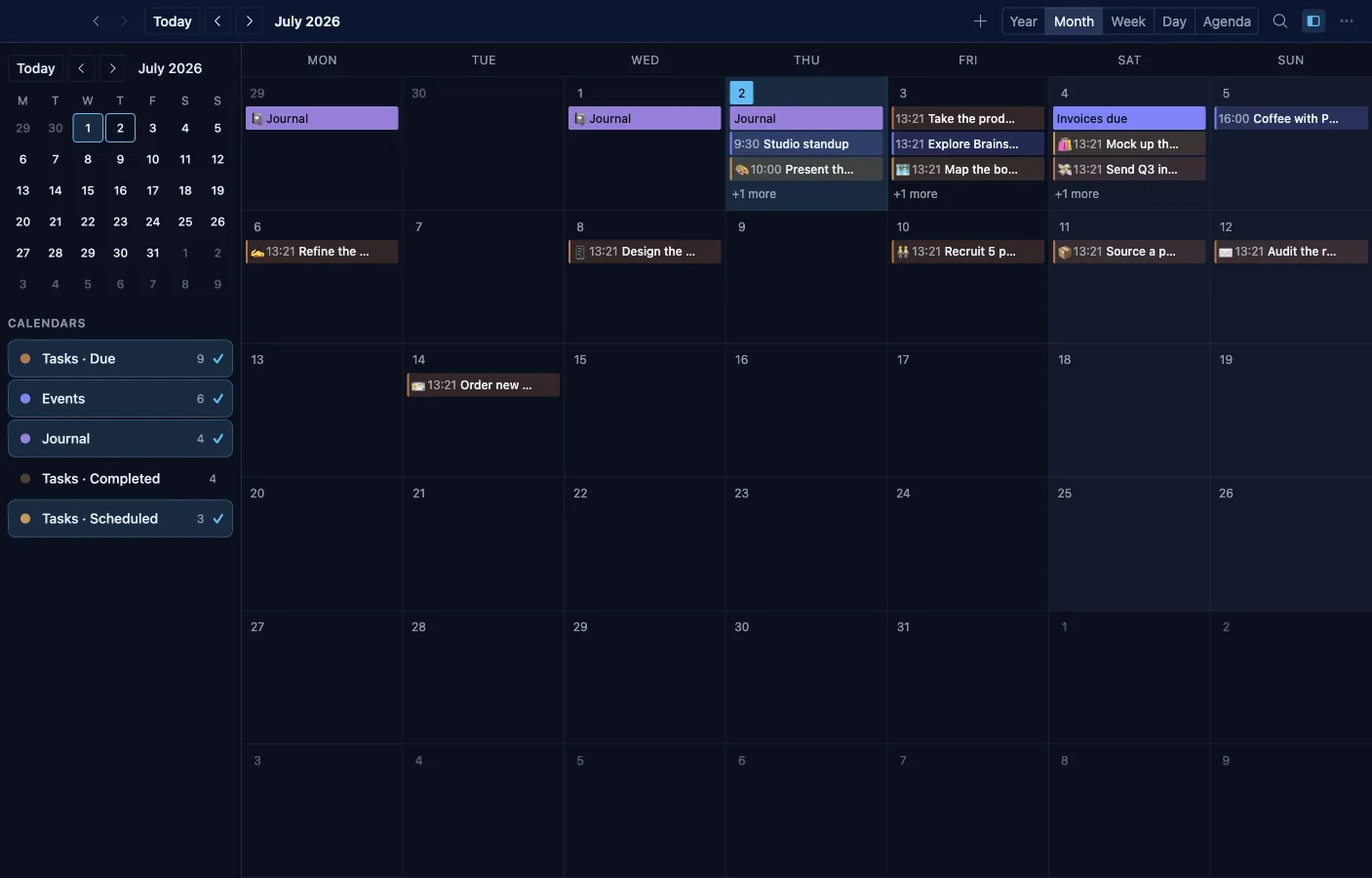
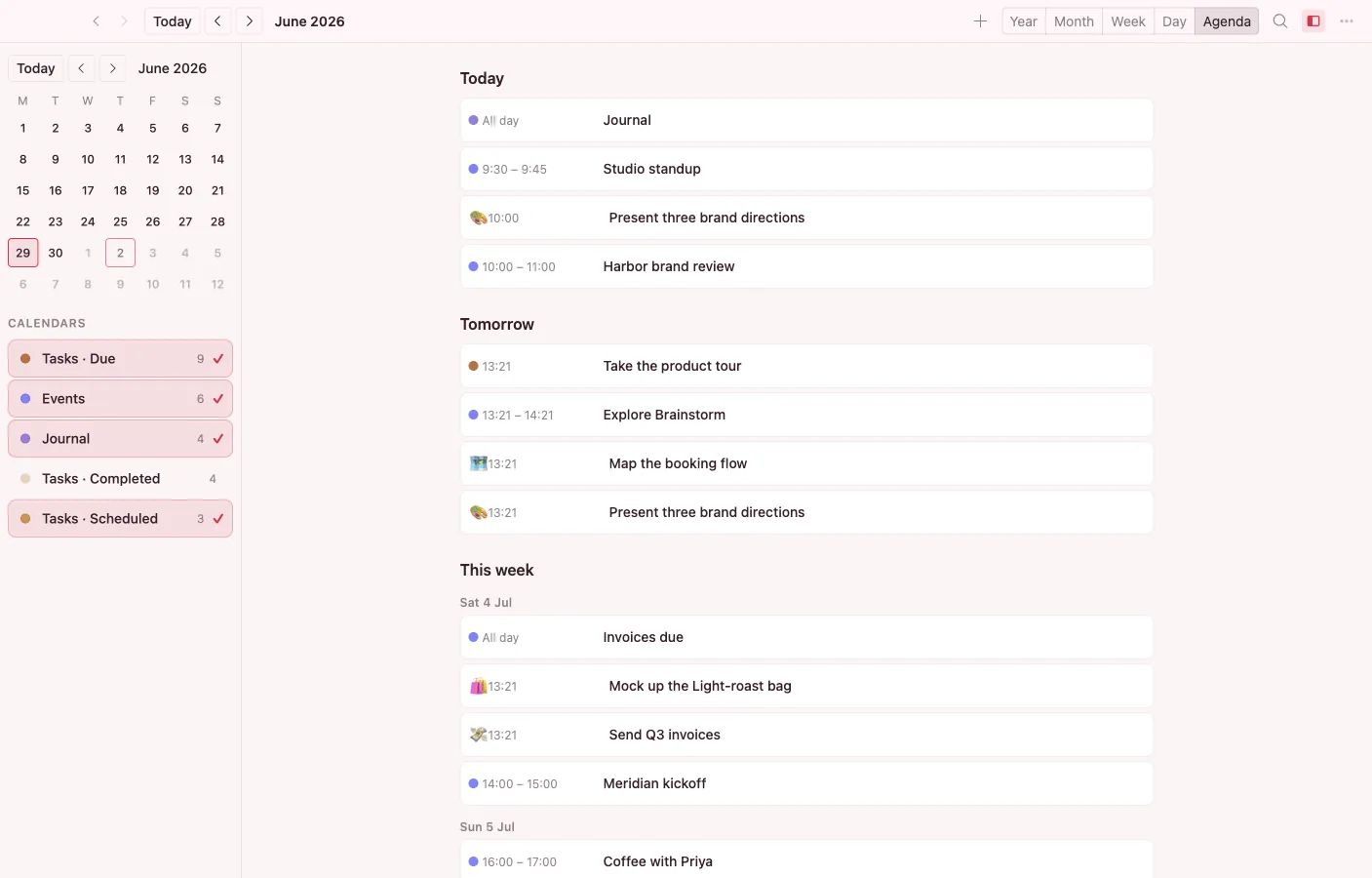
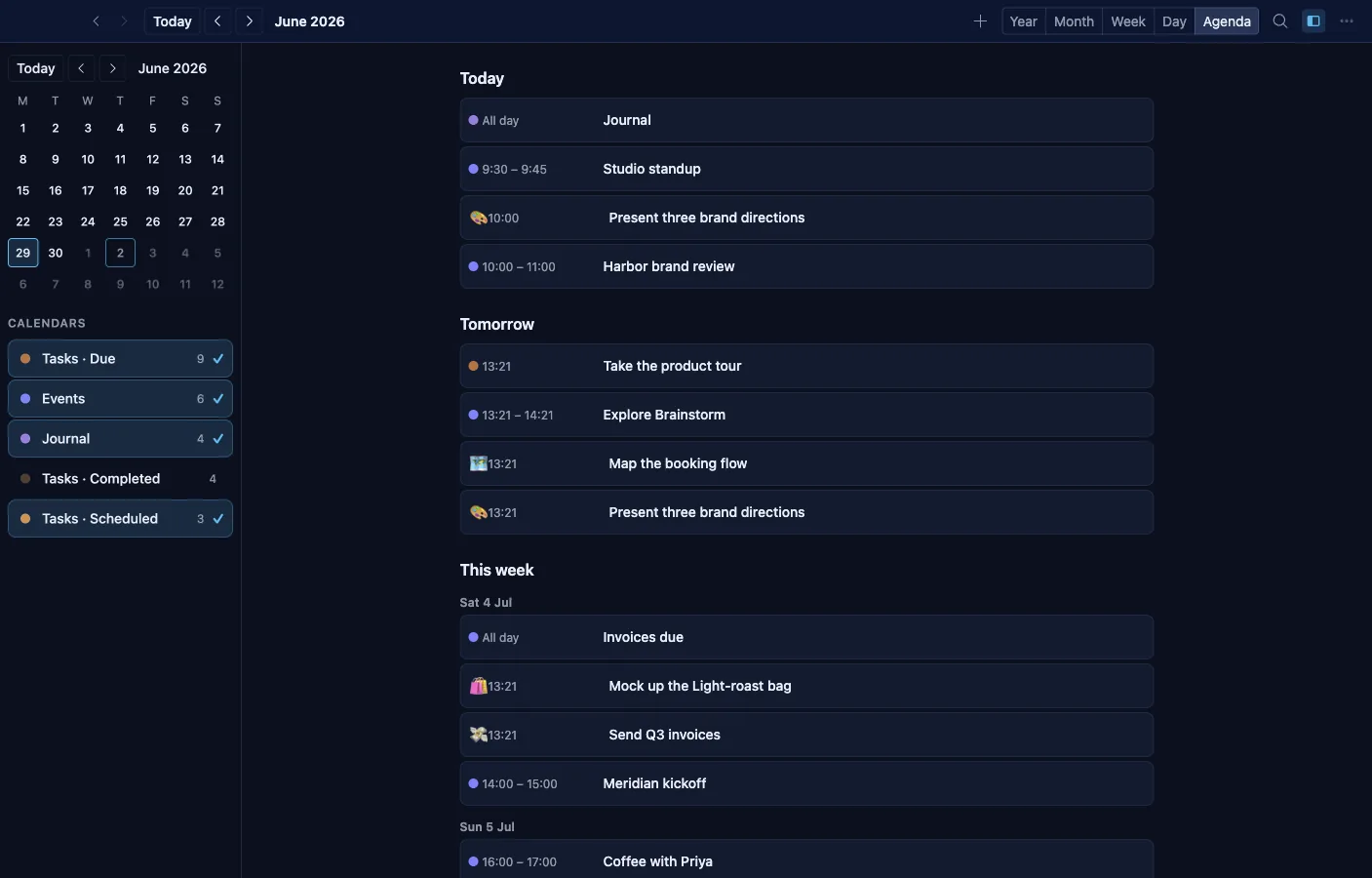
Calendar is a time-based lens over your vault. Anything with a date — an event, a task’s due date, a note’s deadline — can appear on it.
What it can do
Section titled “What it can do”- Recurring events on a full RRULE engine, edited through a plain-language recurrence editor.
- ICS import and export, plus two-way CalDAV sync through the connector framework.
- Attendees with per-person RSVP, event status, colors, location, and per-event reminders.
- Click empty space to create, drag a chip to reschedule, multi-select for bulk reschedule.
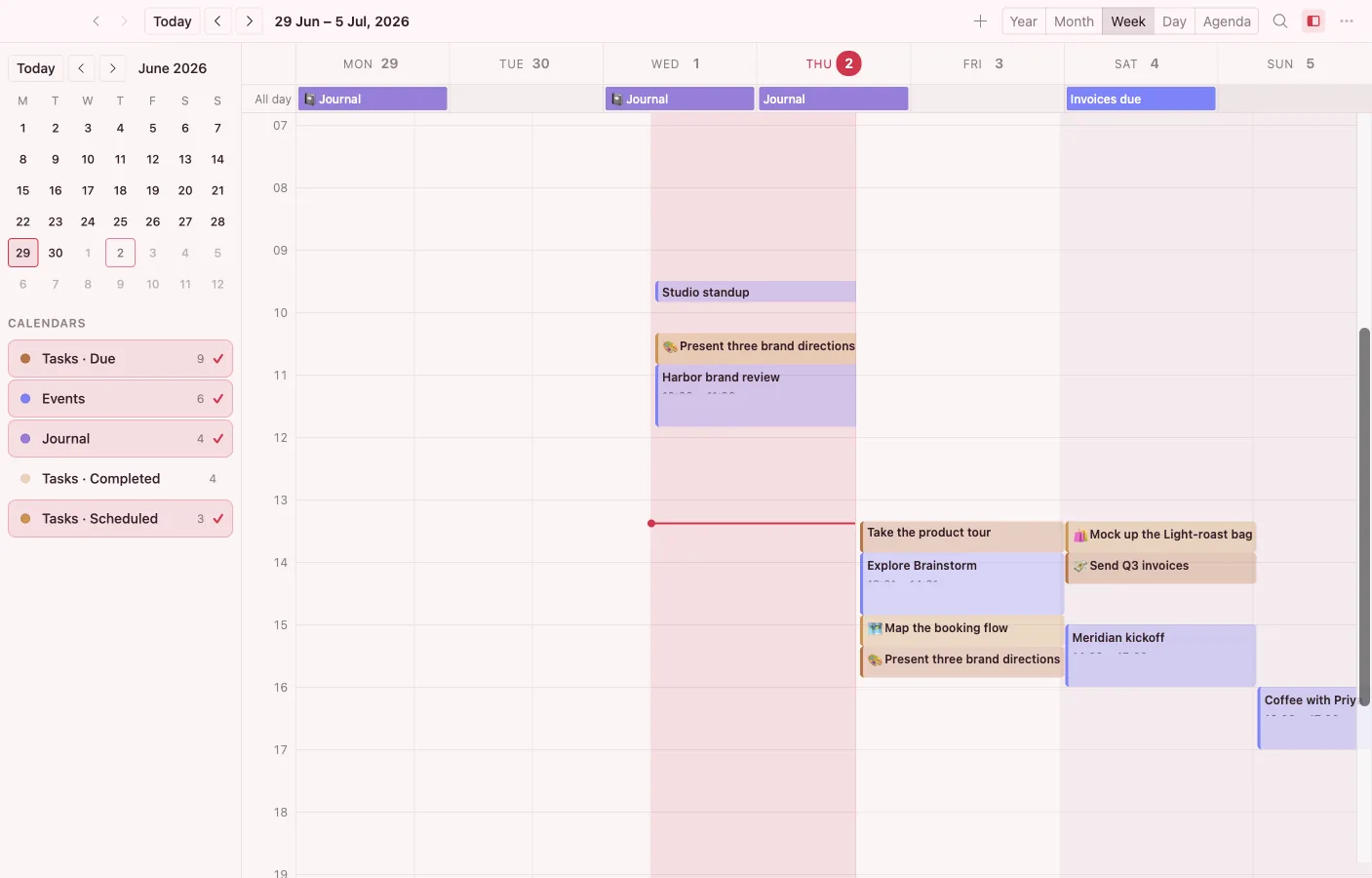
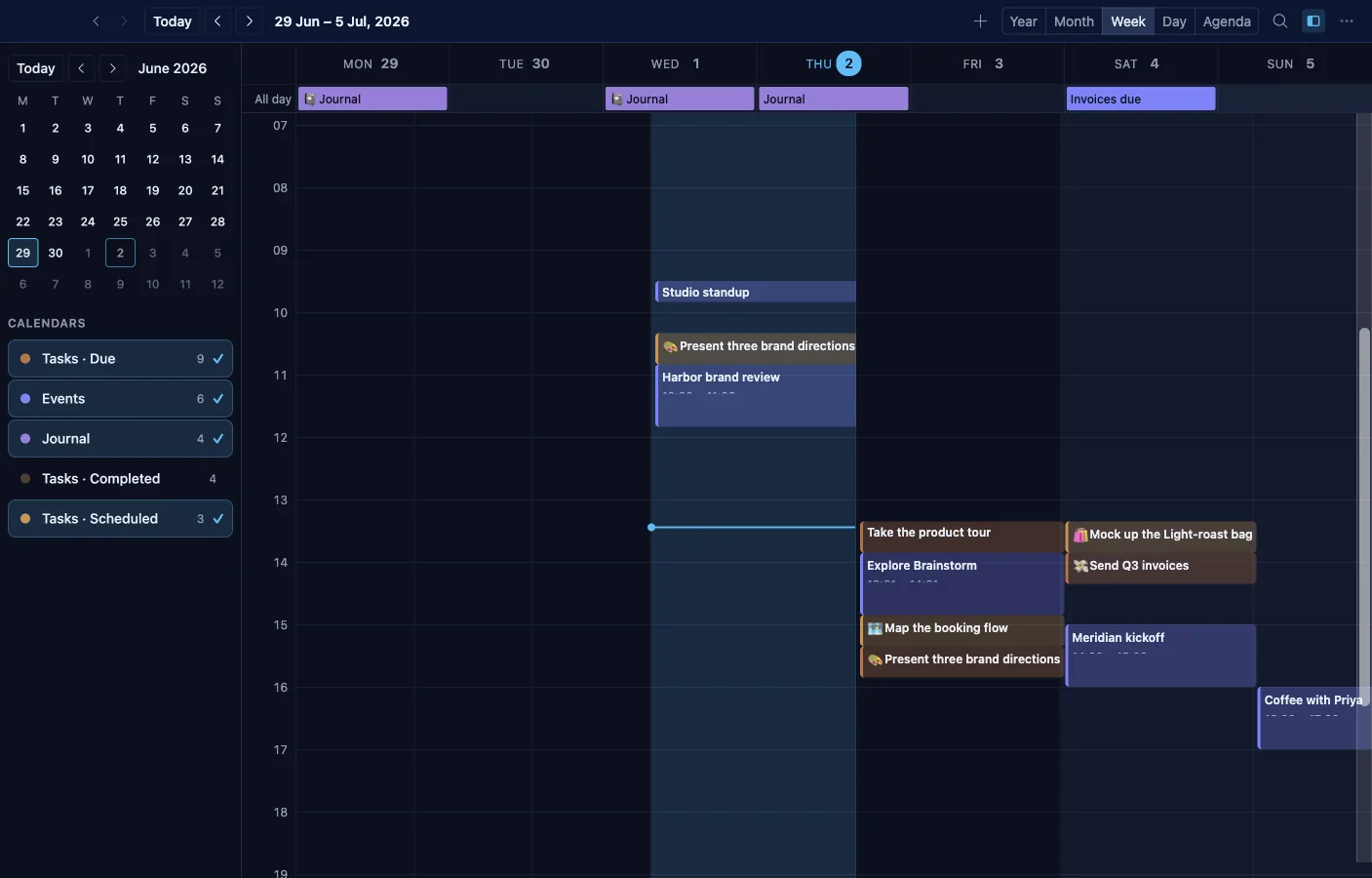
- Time-zone aware events and multi-day ribbons that lay out cleanly across the week.
- Ranked event search with keyboard navigation, and Today’s Agenda / Week Ahead dashboard widgets.
A view, not a separate store
Section titled “A view, not a separate store”The Calendar doesn’t keep its own private list of events. It reads objects that have a date property and lays them out in time. Create a task in the Database with a due date and it shows up on the Calendar automatically — they’re the same object.
Working with time
Section titled “Working with time”- See your week or month at a glance.
- Move an object in time by dragging it; the change writes straight back to the object.
- Jump from a calendar entry to the object itself to add detail.